Tools & materials you'll need
Affiliate linksAs an Amazon Associate FixlyGuide earns from qualifying purchases — at no extra cost to you. Prices and availability are accurate as of publication and subject to change.
Quick Answer
A wobbly ceiling fan can be a minor annoyance or a sign of a more serious issue. The good news is that most wobbles are easily fixable with a few basic tools and a bit of patience. Common culprits include loose blades, an unbalanced fan, or an improper mounting. This guide will walk you through the steps to identify and correct the problem, restoring stability and quiet operation to your ceiling fan.
The Problem
A wobbly ceiling fan is not just an aesthetic issue; it can be noisy, inefficient, and potentially dangerous if left unaddressed. Consistent wobbling can stress the motor, loosen electrical connections, and even cause the fan to fall if the mounting mechanism fails. Identifying the root cause is the first step toward a safe and stable fan.
Step-by-Step Fix
-
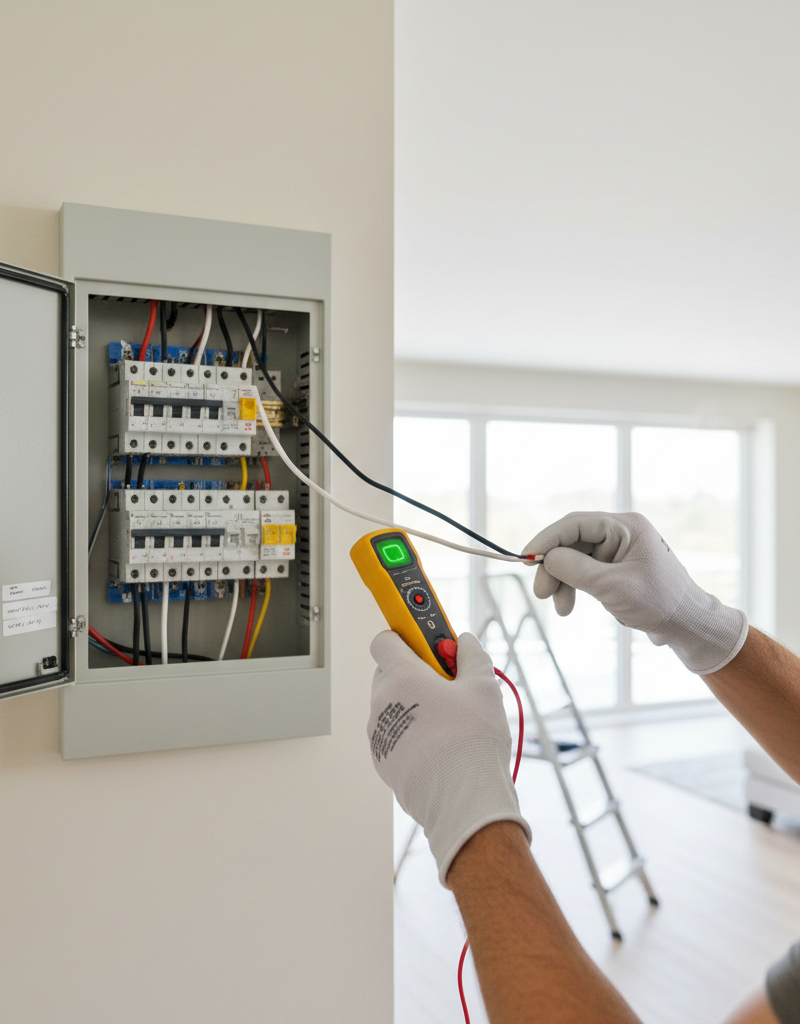
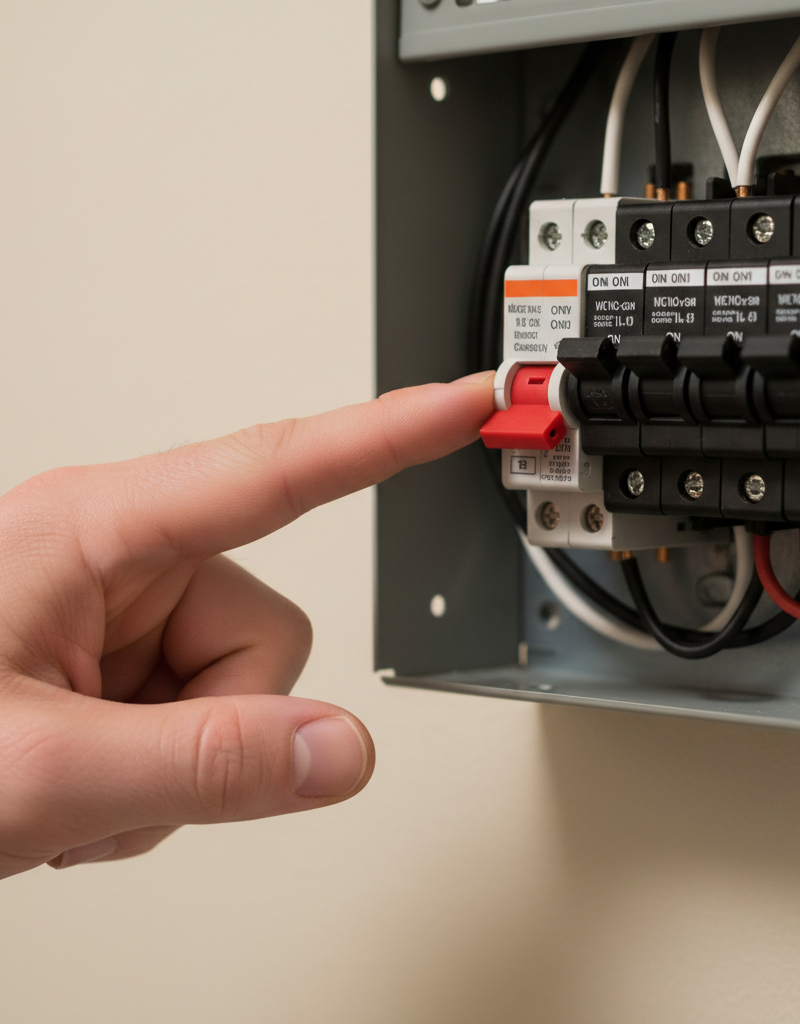
Safety First: Turn Off Power. Before touching any part of the fan, turn off the power at the circuit breaker that controls the fan. Confirm the power is off by trying to turn on the fan switch.
-
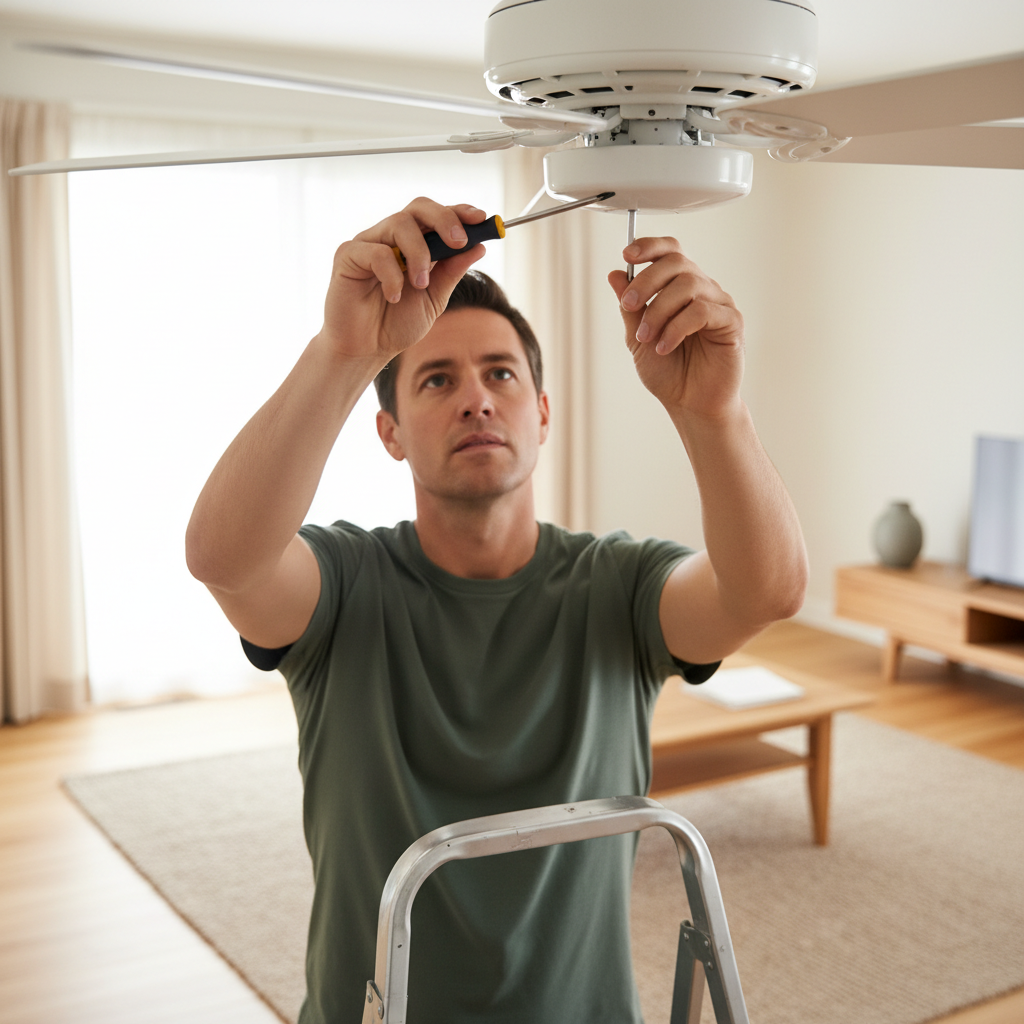
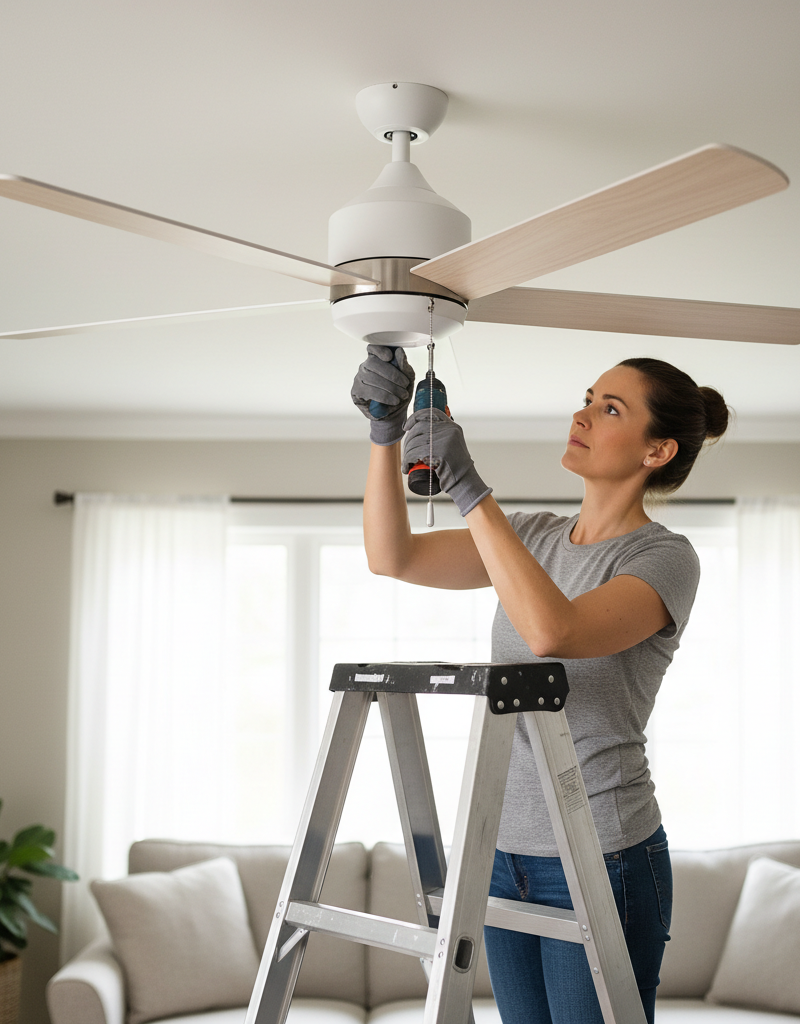
Inspect and Tighten All Screws. Using a screwdriver, systematically check and tighten all screws on the fan. This includes:
- Screws attaching blades to blade irons.
- Screws attaching blade irons to the motor housing.
- Screws holding the downrod to the mounting bracket.
- Screws securing the mounting bracket to the electrical box.
- Screws on the canopy cover.
-
Check for Warped Blades. Visually inspect each fan blade for any signs of warping or bending. You can do this by standing on a ladder and looking across the bottom edge of the blades. If a blade is warped, it can significantly contribute to imbalance. Replacing a single warped blade might be necessary.
-
Clean Blades and Remove Debris. Dust and debris accumulating unevenly on blades can cause imbalance. Wipe down each blade thoroughly with a damp cloth.
-
Balance the Fan Blades. If tightening screws and cleaning doesn't resolve the wobble, the blades are likely imbalanced. Use a ceiling fan balancing kit:
- Attach the balancing clip to the trailing edge of one fan blade, halfway between the blade holder and the tip.
- Turn the fan on to a medium speed. Observe if the wobble has lessened.
- Move the clip along the blade, trying different positions, until the wobble is minimized or eliminated.
- Repeat this process, trying the clip on different blades, until you find the blade and position that best reduces the wobble.
- Once you've found the optimal position, use the self-adhesive weights provided in the kit. Peel the backing off a weight and stick it to the top surface of the blade, directly above where the clip was positioned.
- Remove the clip and re-test the fan.
- You may need to use multiple weights or repeat the process on different blades to achieve optimal balance.
-
Verify Secure Mounting. Ensure the fan canopy is flush against the ceiling and securely attached to the electrical box. The electrical box itself must be rated for ceiling fan use and properly secured to the ceiling joist. If there
Frequently asked questions
Why is my ceiling fan wobbling?+
Ceiling fan wobbling is usually caused by loose screws in the blades or mounting bracket, warped blades, or an unbalanced distribution of weight among the fan blades. Uneven dust accumulation can also contribute to imbalance.
Can a wobbly ceiling fan fall?+
Yes, a severely wobbly ceiling fan, especially one with a loose or improperly installed mounting bracket, can eventually fall. It's crucial to address wobbling promptly to prevent potential injury or damage.
How do I use a ceiling fan balancing kit?+
A balancing kit typically includes a clip and adhesive weights. Attach the clip to the trailing edge of a blade and test the fan. Move the clip along the blade and try different blades until the wobble is reduced. Once the optimal spot is found, replace the clip with an adhesive weight on the top of the blade.
Discussion
Loading comments…