Tools & materials you'll need
Affiliate linksAs an Amazon Associate FixlyGuide earns from qualifying purchases — at no extra cost to you. Prices and availability are accurate as of publication and subject to change.
Quick Answer
Most ceiling fan wobbles stem from imbalanced blades, loose connections, or occasionally, a bent blade arm. You can typically resolve this issue by carefully inspecting and tightening all screws on the fan and mounting bracket, cleaning any dust buildup on the blades, or using an inexpensive fan balancing kit. Always prioritize safety by turning off power at the circuit breaker before you begin.
The Problem
A wobbly ceiling fan isn't just an eyesore; it can be a symptom of a loose connection that could lead to further damage to the fan or even pose a safety risk if the fan were to detach. The constant vibration can also strain the motor and mounting hardware, shortening the fan's lifespan. Before you tackle the fix, it’s important to understand the common culprits behind this unsteady motion.
Step-by-Step Fix
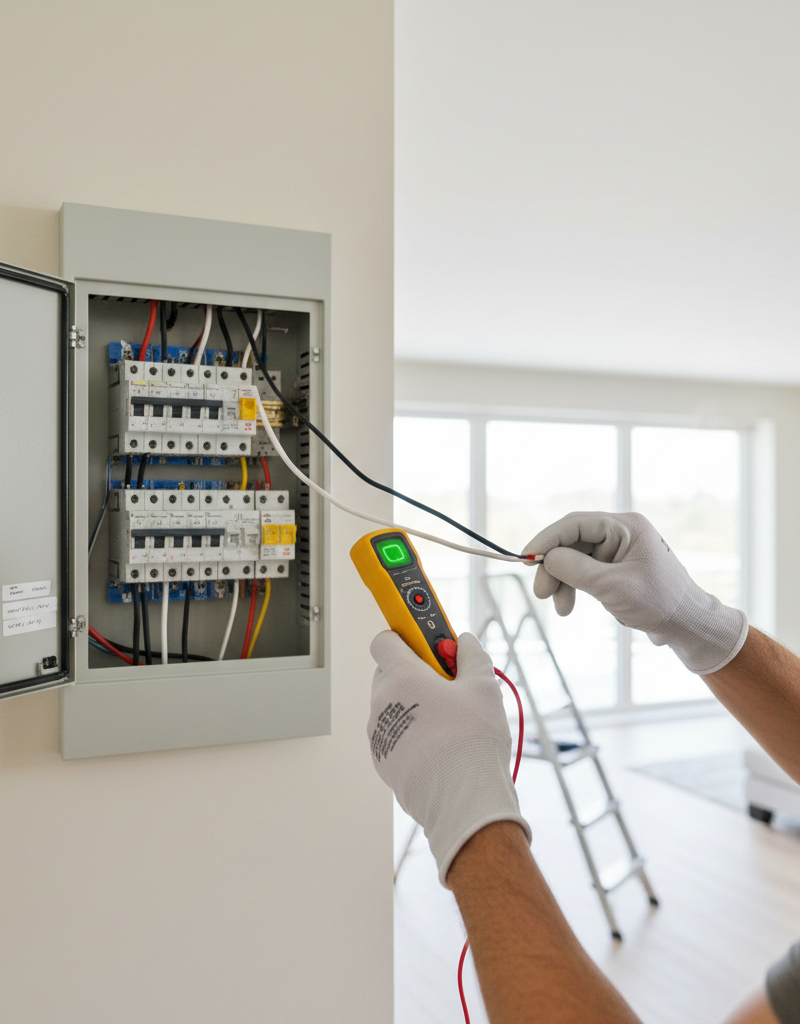
Safety Note: Always turn off the power to the ceiling fan at the circuit breaker before performing any work. Verify the power is off by trying to turn the fan on with the wall switch.
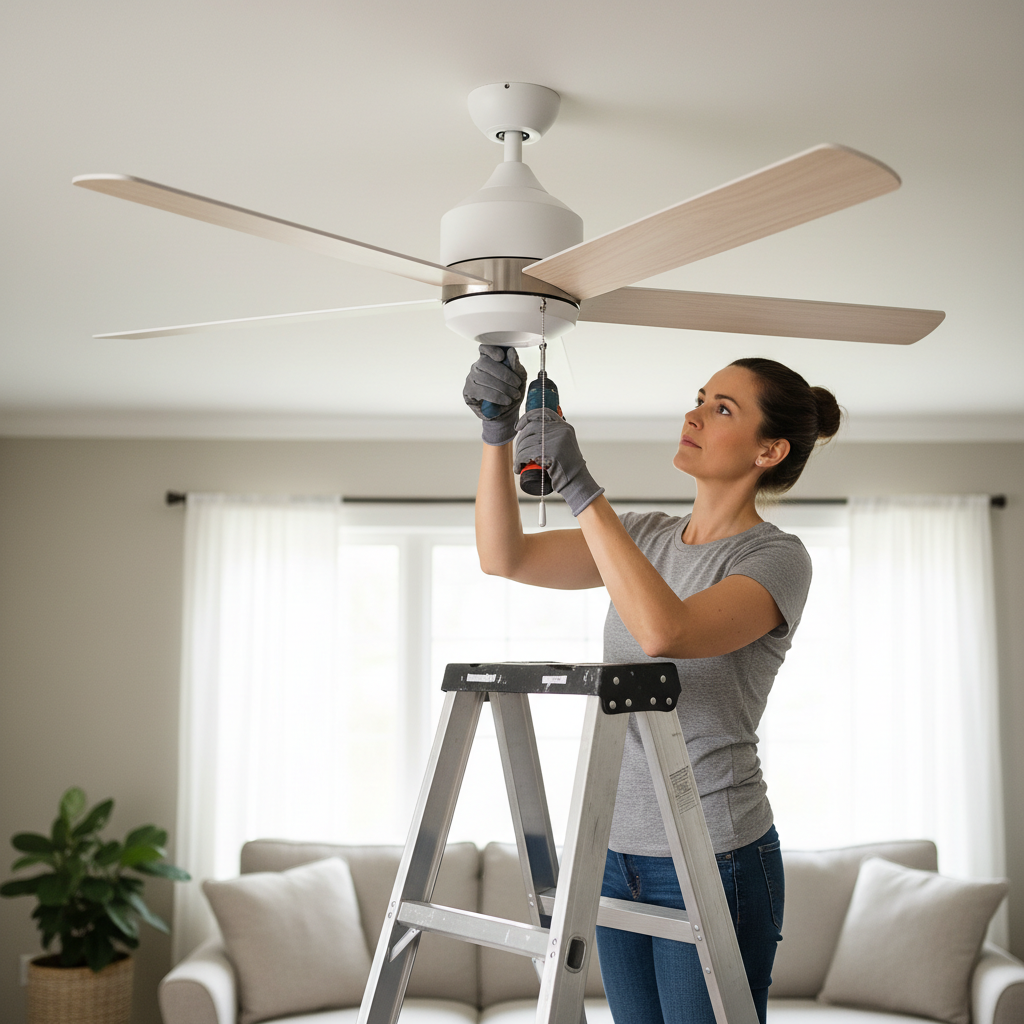
- Tighten All Screws: Start by checking every screw on the fan. Using a screwdriver, tighten the screws on the blade brackets where they attach to the blades, and then where the blade brackets attach to the motor housing. Also, check the screws on the downrod (the pole connecting the fan to the ceiling mount) and the screws on the canopy (the cover against the ceiling) that secure the mounting bracket.
- Clean Fan Blades: Dust and debris can accumulate unevenly on fan blades, causing an imbalance. Carefully wipe down both sides of each blade with a damp cloth to remove any buildup. Ensure all blades are equally clean.
- Check for Bent Blade Arms: Stand on a sturdy ladder and visually inspect each blade arm. You can also use a ruler or tape measure to check the distance from the ceiling to the tip of each blade. Measure from a consistent point on the ceiling to the same point on each blade. If one blade is significantly higher or lower than the others, its arm might be bent. Gently attempt to bend a slightly misaligned arm back into place. If severely bent, the arm may need replacement.
- Balance the Blades (Using a Balancing Kit): If the wobble persists, a fan balancing kit can help. These kits typically include weights and clips. Attach a temporary clip to the trailing edge of one fan blade, midway between the motor and the blade tip. Turn the fan on (on a low setting) and observe if the wobble lessens or worsens. If it worsens, move the clip to a different blade. If it lessens, try moving the clip along that same blade (closer to or further from the motor) to find the optimal spot. Once the wobble is minimized with the clip, replace the clip with a self-adhesive weight at that location. Repeat the process if necessary with other blades until the fan runs smoothly.
Common Causes
- Loose Fasteners: The most frequent cause is simply loose screws on the blade attachments, canopy, or downrod.
- Unevenly Distributed Weight: Dust, debris, or a slight manufacturing defect can make one blade heavier than another, leading to imbalance.
- Bent Blade Arms: If a fan blade or arm gets bumped (e.g., during cleaning or moving furniture), it can bend, causing a noticeable wobble.
- Improper Installation: If the fan wasn't installed correctly from the start, particularly if the mounting bracket isn't securely fastened to a ceiling joist or an approved electrical box, wobbling can occur.
Tips & Prevention
- Regular Cleaning: Periodically clean your fan blades to prevent dust buildup from becoming a problem.
- Annual Check-up: Once a year, give your fan a quick check. Tighten any loose screws and inspect the blades for damage.
- Proper Installation: If installing a new fan, always ensure it is securely mounted to an approved electrical box designed to support fan weight, and ideally to a ceiling joist.
- Use a Balancing Kit: For fans that are inherently prone to wobbling, a balancing kit can maintain smooth operation.
When to Call a Professional
If the wobble persists after following these steps, or if you suspect improper electrical wiring or mounting, it is best to consult a licensed electrician or qualified handyman. Never attempt to repair or install a ceiling fan if you are uncomfortable working with electricity or at heights, or if you suspect the fan's mounting is compromised.
Frequently asked questions
Why is my ceiling fan wobbling?+
The most common reasons for a ceiling fan wobble include loose blade screws or mounting hardware, uneven dust buildup on the blades, or a bent blade arm. Imbalanced weight distribution is the primary culprit.
Can a wobbly ceiling fan fall?+
While rare, a severely wobbly ceiling fan with loose or improperly installed mounting hardware could potentially fall. It's important to address wobbling promptly to ensure safety and prevent further damage.
How do I use a ceiling fan balancing kit?+
A balancing kit usually involves attaching temporary clips to fan blades to identify the exact blade and spot causing the wobble. Once the ideal location is found, a small adhesive weight is applied to that spot to correct the imbalance.
Should I replace a wobbly ceiling fan?+
Most wobbly ceiling fans can be fixed with simple adjustments like tightening screws or balancing the blades. You should only consider replacing it if the fan is old, severely damaged, or the wobble cannot be resolved after troubleshooting.
Is it safe to run a wobbly ceiling fan?+
It is generally not recommended to continuously run a severely wobbly ceiling fan. The constant vibration can put stress on the fan's components, lead to further damage, and potentially loosen its mounting over time, posing a safety risk.


Discussion
Loading comments…