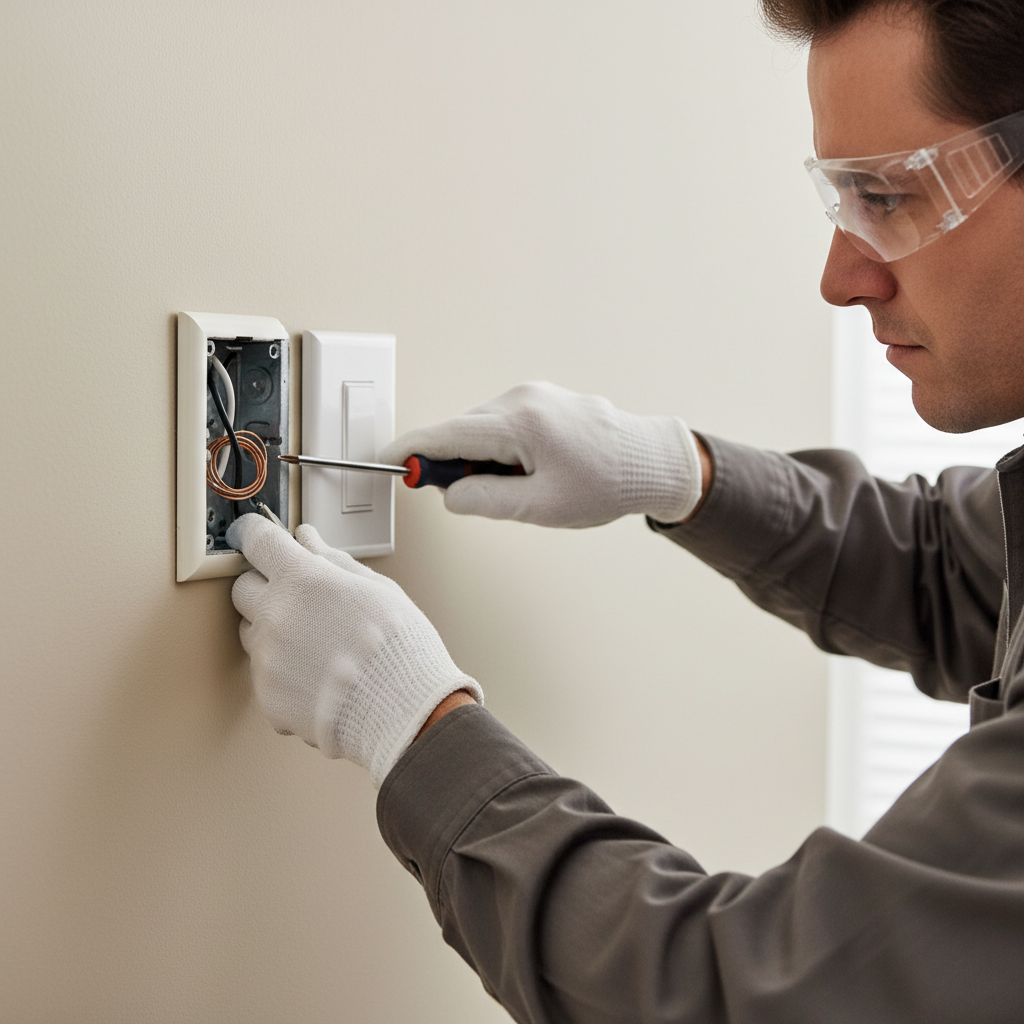
Tools & materials you'll need
Affiliate linksAs an Amazon Associate FixlyGuide earns from qualifying purchases — at no extra cost to you. Prices and availability are accurate as of publication and subject to change.
Quick Answer
A A light switch that feels hot to the touch is a red flag in your home's electrical system, indicating a potential issue that generates excessive heat. The most common culprits include loose wire connections, an overloaded electrical circuit, or a faulty switch itself. While a slightly warm switch might be normal when controlling a high-wattage load like a dimmer or multiple lights, a truly hot switch should prompt immediate investigation to prevent fire hazards and ensure the safety and reliability of your home's wiring.
The Problem
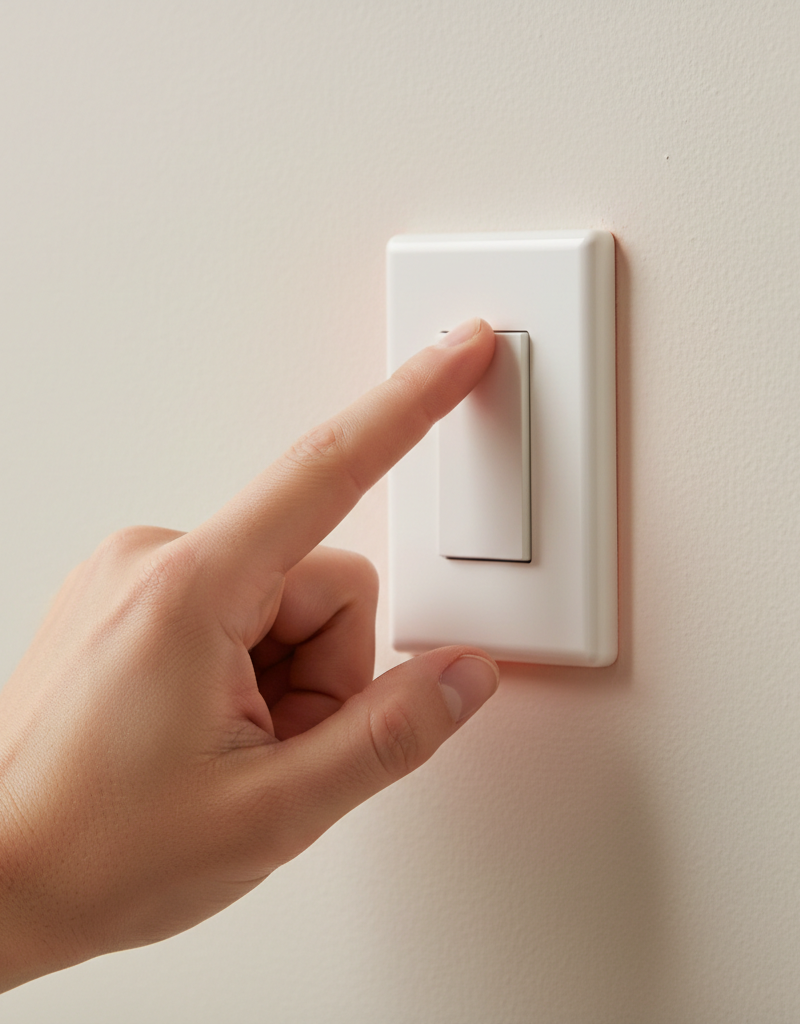
You've noticed it – your light switch feels unusually warm, perhaps even hot, to the touch. This isn't just an annoyance; it's a symptom that your home's electrical system is struggling. Heat in electrical components is almost always a sign of inefficiency or resistance, where electrical energy is being converted into heat rather than performing its intended function. In the context of a light switch, this heat generation can stem from several points within the circuit, from the connections behind the switch plate to the switch's internal mechanisms, or even the demands placed upon it by the lighting it controls. Ignoring a hot light switch is akin to ignoring a smoldering ember in your wall; it could escalate into a full-blown electrical fire, damaging property and endangering lives. Even if it doesn't lead to a fire, constant overheating accelerates the degradation of insulation on wires, leading to shorts and eventual system failure. Identifying the precise cause is crucial, as the fix can range from a simple tightening of a screw to replacing an entire circuit component or upgrading wiring.
How It Works
To understand why a light switch gets hot, it helps to grasp the basics of how a switch operates within an electrical circuit. A light switch is essentially a gatekeeper, designed to complete or break a circuit, allowing or preventing electricity from flowing to a light fixture. When you flip a switch to the 'on' position, metal contacts inside the switch close, creating a conductive path for electrons to travel from the power source (typically your home's electrical panel) through the switch, to the light fixture, and back to the panel via the neutral and ground wires. This flow of electrons is what we call current, and it's measured in amperes (amps).
Ideally, these contacts provide a very low-resistance pathway. However, several factors can introduce resistance. Resistance is any opposition to the flow of current. When current flows through resistance, it generates heat – this is the principle behind electric heaters and incandescent light bulb filaments. In a light switch, resistance can occur at the wire terminals if connections are loose or corroded, at the internal contacts of the switch if they are worn or arcing, or if the switch itself is underrated for the electrical load it's controlling. Overloading occurs when the total wattage of the lights connected to the switch exceeds the switch's maximum rated capacity, forcing more current through the switch than it's designed to handle. A standard light switch is typically rated for 15 amps, sufficient for most residential lighting. However, if you have multiple high-wattage fixtures, or older, inefficient incandescent bulbs, the cumulative load can push the switch beyond its comfort zone. Even dimmers, which contain electronic components, naturally generate some heat as part of their voltage-regulating function. However, excessive heat always signals a problem with efficient power transfer. The generated heat can cause the plastic components of the switch to warp, wires to melt their insulation, and eventually lead to a short circuit or fire if not addressed.
Step-by-Step Fix
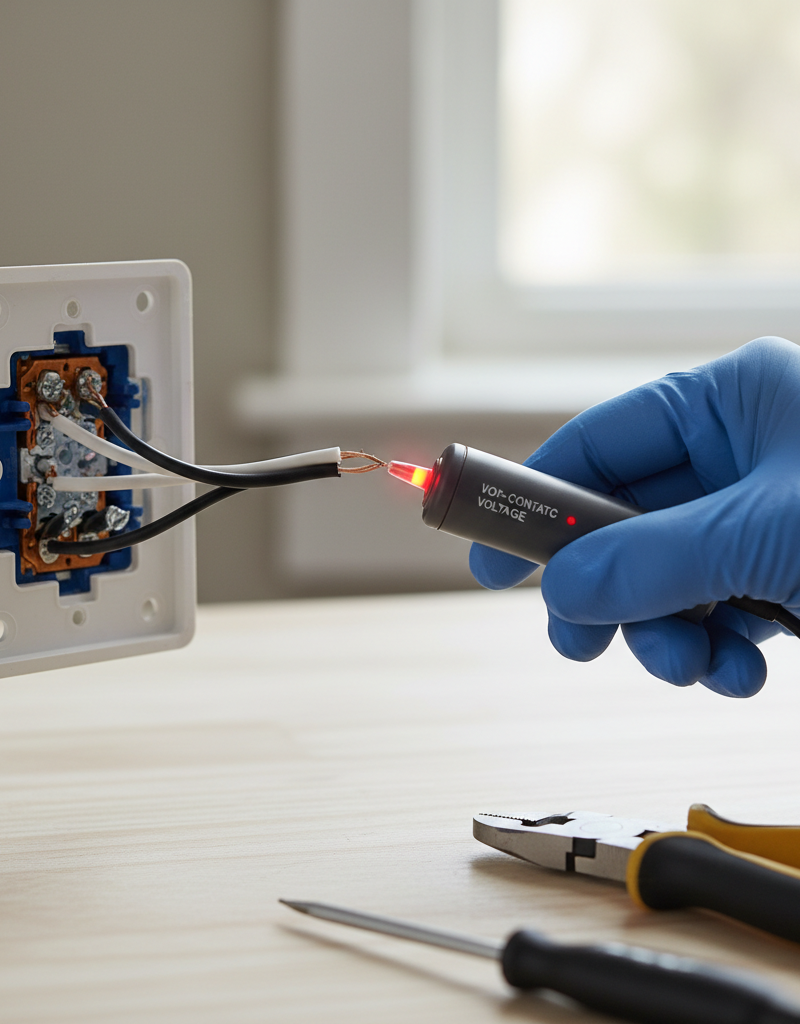
Safety First — Always turn off the power to the circuit at your main electrical panel before working on any electrical components. Use a non-contact voltage tester to confirm the power is off before touching any wires.
- Preparation – Gather your tools and confirm power is off. Before beginning, ensure you have all necessary tools. Locate your home's main electrical panel and identify the breaker that controls the hot light switch. Flip the breaker to the
Frequently asked questions
Is a warm light switch normal?+
A slightly warm dimmer switch is normal due to its electronic components. However, a standard toggle light switch should not be noticeably warm or hot to the touch. If it is, it indicates a problem that needs investigation.
What wattage can a standard light switch handle?+
A typical residential light switch is rated for 15 amps, which generally equates to about 1800 watts on a 120-volt circuit. Exceeding this wattage with multiple high-load fixtures can cause the switch to overheat.
Can a hot light switch cause a fire?+
Yes, a consistently hot light switch is a fire hazard. Excessive heat can melt wire insulation, lead to short circuits, and ignite combustible materials in the wall. It requires immediate attention and repair.
How do I test if my light switch is faulty?+
After safely turning off power and removing the switch, visually inspect for burn marks or melted plastic. You can use a multimeter to check for continuity across the switch terminals in the 'on' position and for significant resistance, but often, visual inspection and confirming secure connections are sufficient for diagnosis.
Should I replace all my old light switches?+
While not always necessary, if your switches are very old, frequently used, or show signs of wear (like being hot to the touch, flickering lights, or difficulty operating), replacing them can improve safety and performance. Modern switches often offer better durability and connection methods.
Discussion
Loading comments…