Tools & materials you'll need
Affiliate linksAs an Amazon Associate FixlyGuide earns from qualifying purchases — at no extra cost to you. Prices and availability are accurate as of publication and subject to change.
Quick Answer
A A light switch that feels warm or hot to the touch is a sign of excessive electrical resistance, usually caused by a loose wire, an overloaded circuit, or a defective switch. While a slightly warm switch might be normal for dimmers, a noticeably hot switch requires immediate inspection. Addressing the root cause, typically by tightening connections or replacing the switch, is essential for safety.
The Problem
When a light switch becomes hot, it indicates that more current is flowing through it than it can safely handle, or there's resistance causing heat buildup. This resistance can occur at loose wire terminals, within the switch contacts themselves, or if the circuit is drawing too much power for the switch's rating. Persistent heat can degrade wire insulation, melt plastic components, and significantly increase the risk of an electrical fire.
Safety Note:
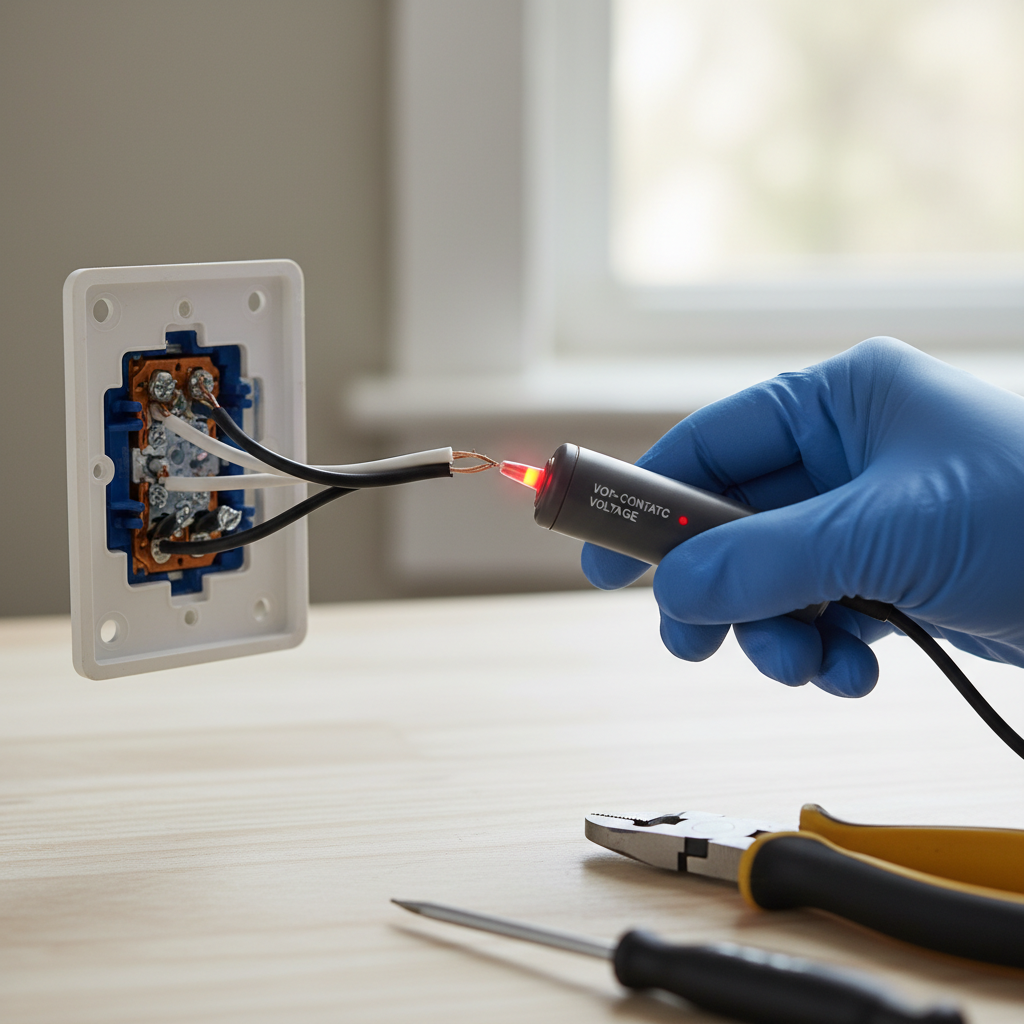
Always turn off the power to the affected circuit at your home's electrical service panel before performing any work on light switches or outlets. Verify the power is off with a non-contact voltage tester.
Step-by-Step Fix
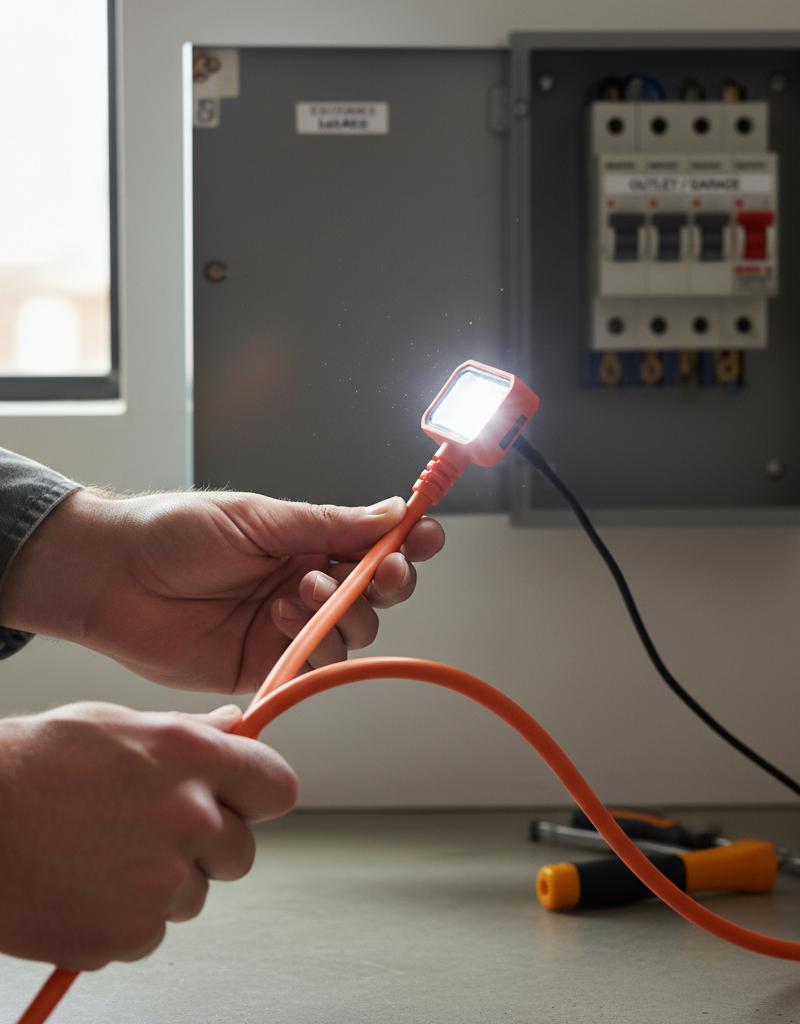
- Turn Off Power: Go to your electrical service panel (breaker box) and locate the breaker that controls the light switch in question. Flip it to the "OFF" position. If you're unsure which breaker it is, turn off the main breaker to your home as a last resort. Use a non-contact voltage tester to confirm the power is off at the switch by placing it near the switch plate and then directly on the wires once the switch is exposed.
- Remove Switch Plate: Carefully unscrew the cover plate from the light switch with a screwdriver and set it aside.
- Pull Out the Switch: Gently pull the switch straight out from the electrical box. The wires will still be connected.
- Inspect Wiring for Looseness: Examine all wire connections to the switch. Look for any wires that appear loose, frayed, or charred. If a wire is wrapped around a screw terminal, ensure it is wrapped clockwise and tightly secured. If "stab-in" connections (wires inserted into small holes on the back of the switch) are used, gently pull on them to check for looseness. If loose, it's best to move them to the screw terminals if possible, or replace the switch.
- Tighten Connections: Using a screwdriver, carefully tighten all terminal screws on the switch. Do not overtighten, as this can strip the screw or damage the switch.
- Check for Overload (Optional, if problem persists): If tightening connections doesn't solve the issue, or if the switch controls many lights or high-wattage fixtures, the circuit might be overloaded. Note the wattage of all bulbs/fixtures on that switch and compare it to the switch's rating (usually found on the switch body). If the total wattage exceeds the switch
Frequently asked questions
Is it normal for a light switch to be warm?+
While dimmer switches can sometimes feel slightly warm due to their operation, a standard on/off light switch should not be noticeably warm or hot. If it is, it indicates a problem that needs to be addressed.
What causes a light switch to get hot?+
The most common causes are loose wire connections, which create resistance; an overloaded circuit, where too much power is drawn through the switch; or a failing or defective switch mechanism itself.
Can a hot light switch cause a fire?+
Yes, a persistently hot light switch is a significant fire hazard. The heat can melt wire insulation, ignite surrounding materials, and lead to an electrical fire. It's crucial to address a hot switch promptly.
How do I know if my light switch is overloaded?+
An overloaded switch often gets hot, and it may trip the circuit breaker repeatedly. You can determine if it's overloaded by calculating the total wattage of all lights and devices connected to that switch and comparing it to the switch's amperage rating.
When should I call an electrician for a hot light switch?+
You should call an electrician if you are uncomfortable working with electricity, if the problem persists after attempting to tighten connections, if you notice burning smells or smoke, or if multiple switches or outlets are hot, indicating a larger wiring issue.
Discussion
Loading comments…