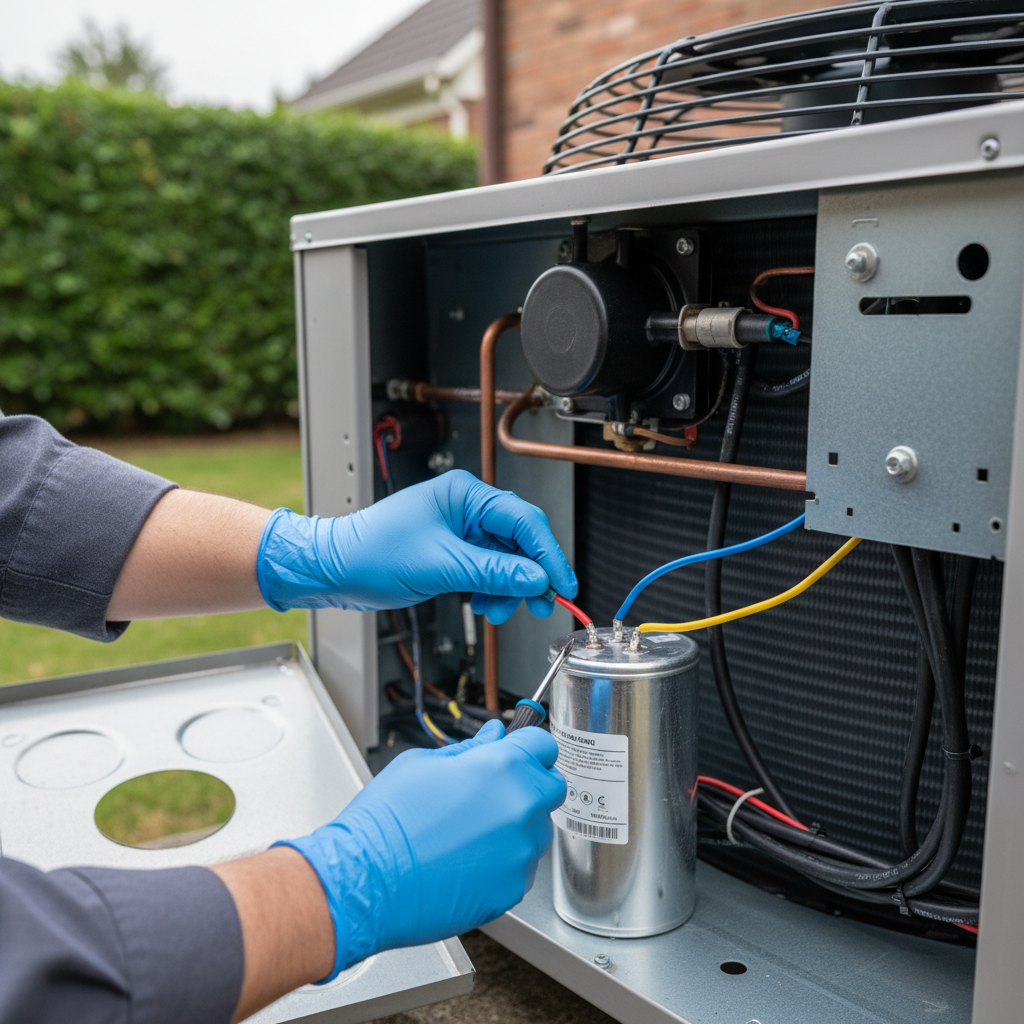
Tools & materials you'll need
Affiliate links- AmazonScrewdriver or Nut Driver SetN/A · To remove the service panel screws.
- AmazonNeedle-Nose Pliers1 · For safely handling and disconnecting wires.
- AmazonSafety Gloves1 pair · Heavy-duty electrical safety gloves are recommended.
- AmazonSafety Glasses1 pair · Eye protection is crucial.
- AmazonMultimeter with Capacitance (μF) Function1 · Essential for testing the old and new capacitor.
- AmazonInsulated Screwdriver or Resistor1 · For safely discharging the old capacitor.
- AmazonReplacement Dual-Run Capacitor1 · Must match exact microfarad (μF) and voltage (VAC) ratings of the original.
As an Amazon Associate FixlyGuide earns from qualifying purchases — at no extra cost to you. Prices and availability are accurate as of publication and subject to change.
Quick Answer
When your air conditioner refuses to start, humming but not blowing cold air, or showing no signs of life at all, a failing capacitor is frequently the culprit. This cylindrical component acts as a battery, storing and releasing the electrical charge needed to "kickstart" your AC's motors. With a few basic tools and clear instructions, you can diagnose and replace a faulty capacitor, potentially saving yourself hundreds of dollars on a professional repair and getting your cool air back quickly.
The Problem
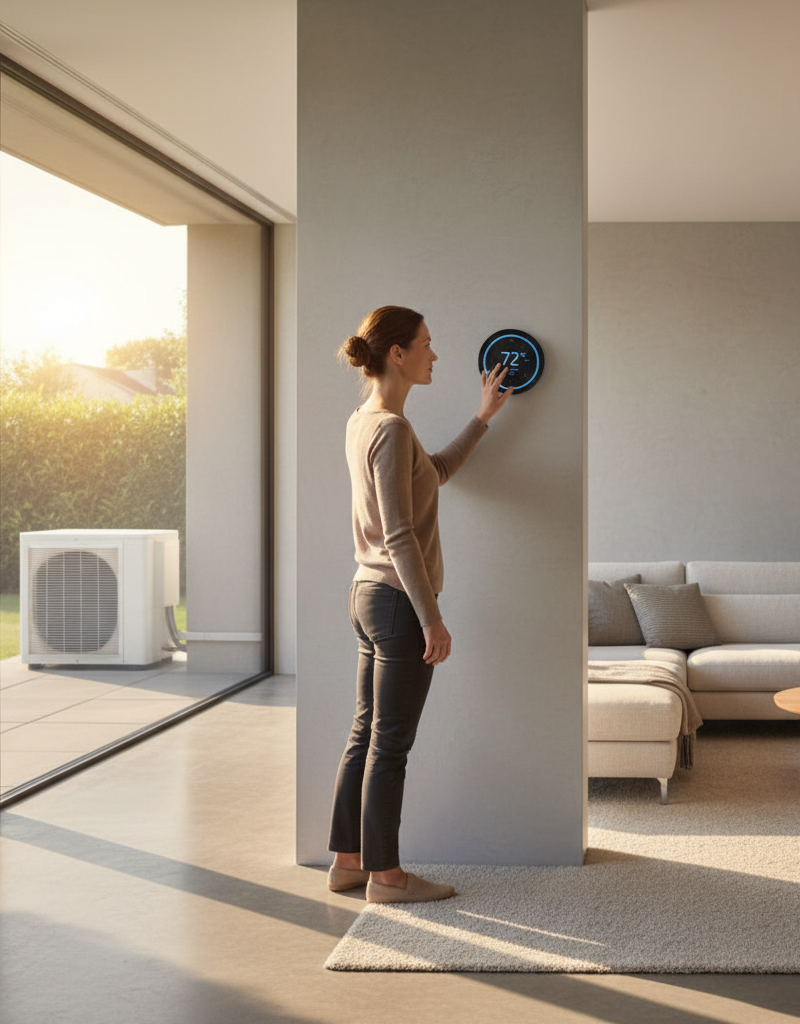
Picture this: a sweltering summer day, and your thermostat is set to a frigid 72°F, but nothing happens. No whirring of the outdoor unit, no refreshing blast from the vents. Or perhaps you hear a faint hum from the outdoor unit, but the fan blades remain stubbornly still, and no cold air emerges. This frustrating scenario often points directly to a compromised capacitor. The AC unit draws a significant surge of power to get its key components — the compressor and the outdoor fan motor — started. Without this initial jolt, these motors cannot overcome their inertia and begin their work, leaving your home hot and uncomfortable. Understanding how this vital, yet often overlooked, part functions is key to quickly pinpointing and resolving the issue.
How It Works
At the heart of your outdoor AC unit (the condenser) are two crucial motors: the compressor and the condenser fan motor. The compressor is the workhorse, pressurizing the refrigerant; the fan motor pulls air across the condenser coils to dissipate heat. These motors, particularly the compressor, require a substantial burst of electricity to begin rotating. This is where the capacitor comes in. A typical AC unit uses a "dual-run" capacitor, which is essentially two capacitors in one housing. It has three terminals: "Herm" (hermetic) for the compressor, "Fan" for the outdoor fan motor, and "C" (common) for the incoming power. When the thermostat calls for cooling, voltage is supplied to the compressor and fan motor through the capacitor. The capacitor stores electrical energy and then releases it rapidly, creating a phase shift in the alternating current that generates the necessary torque to get the motors spinning. Once running, the capacitor continues to provide a stable electrical charge, improving motor efficiency. Over time, heat, voltage fluctuations, and age can degrade the dielectric material inside the capacitor, reducing its ability to store and release charge effectively. When this happens, the motors either won't start at all, or they struggle, creating noticeable hums without movement.
Step-by-Step Fix
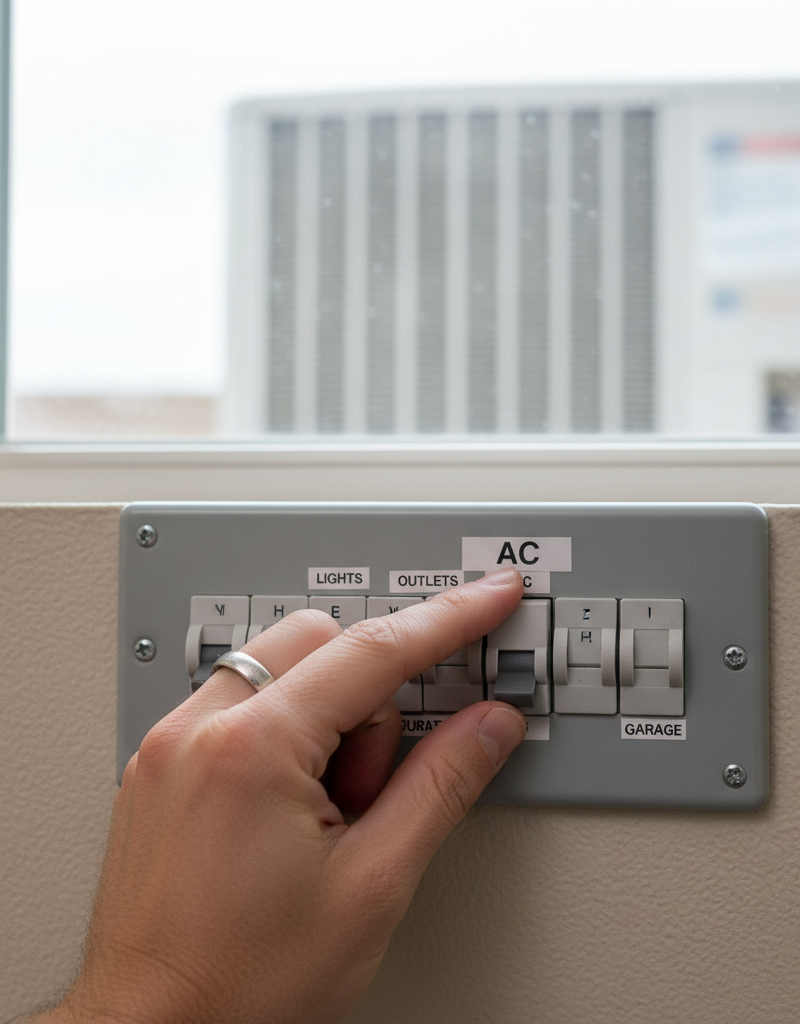
Safety First! Always turn off power to your AC unit at the thermostat AND the main electrical panel (or outdoor disconnect) before touching any part of the unit. Capacitors can store a charge even after power is off, so always discharge them safely.
1. Power Down Your AC — Crucial Safety Step
- Go to your indoor thermostat and set it to "Off" for cooling.
- Locate your home
Frequently asked questions
How do I know if my AC capacitor is bad?+
Common signs of a bad AC capacitor include the outdoor unit humming but the fan not spinning, the AC blowing warm air, the unit not turning on at all, or a distinct clicking sound from the outdoor unit. Visual cues like a bulging or leaking capacitor are also strong indicators.
Can I replace an AC capacitor myself?+
Yes, replacing an AC capacitor is a common DIY repair, provided you take necessary safety precautions. It involves turning off power, safely discharging the old capacitor, disconnecting wires, and connecting a new capacitor with matching specifications. Always verify the ratings carefully.
What tools do I need to replace an AC capacitor?+
You will need a screwdriver (usually nut driver or Philips), needle-nose pliers, a multimeter with capacitance testing (μF) capability, and a resistor or insulated screwdriver with a rated handle for safely discharging the capacitor. Safety gloves and glasses are also recommended.
How long does an AC capacitor last?+
The lifespan of an AC capacitor typically ranges from 5 to 10 years, though many can fail sooner, especially in hot climates or units with frequent on/off cycles. Regular inspections for bulging or leaks can help identify a failing capacitor before it completely gives out.
Discussion
Loading comments…