Tools & materials you'll need
Affiliate linksAs an Amazon Associate FixlyGuide earns from qualifying purchases — at no extra cost to you. Prices and availability are accurate as of publication and subject to change.
Quick Answer
Many homeowners excited to upgrade to a smart thermostat hit a frustrating roadblock during installation: the thermostat simply won't power on, or it constantly loses connection, displaying a 'low battery' warning despite being hardwired. The overwhelming culprit is often the lack of a dedicated C-wire (common wire) providing continuous 24V AC power. While some smart thermostats claim to work without a C-wire by 'power stealing' from other wires, this method is unreliable and can lead to intermittent operation, buzzing from your HVAC system, or even damage. The solution typically involves locating an unused C-terminal on your furnace or air handler's control board and running a new wire, or utilizing a C-wire adapter kit if no extra wire is available.
The Problem
Imagine unwrapping your sleek new smart thermostat, following the instructions meticulously, only to find it's a glorified paperweight on your wall. Or, it powers on for a bit, then goes dark. Perhaps it connects to Wi-Fi for an hour, then drops offline, leaving you sweating or shivering. Whatever the specific symptom, the underlying issue points to insufficient or inconsistent power. Traditional thermostats often only need power intermittently to open and close circuits for heating and cooling. Smart thermostats, however, are mini-computers that require constant 24V AC to keep their screens lit, Wi-Fi radios active, and processors running. Without that continuous supply, they struggle to operate, leading to frustration and a feeling that your smart home upgrade was a colossal waste of time and money.
How It Works
Understanding how your thermostat communicates with your HVAC system is crucial for a successful smart thermostat installation. Most residential HVAC systems use a low-voltage (24V AC) control circuit. Wires connect the thermostat to a control board within your furnace or air handler. Here's a quick rundown of the common thermostat wires and their functions:
- R (Red): This is the main 24V AC power wire, typically for heating. There might be an
Rh(heating power) and anRc(cooling power) if you have separate transformers, or a jumpedRterminal (common in most systems). - W (White): Heating call. When the thermostat connects R and W, the furnace kicks on.
- Y (Yellow): Cooling call. When the thermostat connects R and Y, the air conditioner compressor turns on.
- G (Green): Fan control. When the thermostat connects R and G, the indoor blower fan activates.
- C (Blue/Black sometimes): Common wire. This wire provides a continuous return path for the 24V AC power, completing the circuit and providing constant power to the thermostat. This is the wire smart thermostats need but older systems often lack.
- O/B (Orange/Blue): Reversing valve for heat pumps. Determines whether the heat pump operates in heating or cooling mode.
In older systems, the thermostat might only draw power when calling for heating or cooling, essentially 'stealing' a tiny bit of current through the control wires. Smart thermostats, with their digital displays, Wi-Fi capabilities, and internal logic, demand a steady, reliable power source. The C-wire provides this always-on power, acting as the neutral equivalent in a low-voltage circuit. Without it, the smart thermostat tries to steal power, often leading to it flickering, shutting down, or causing the HVAC fan to randomly cycle as it attempts to siphon power.
Step-by-Step Fix
Safety First! Before touching ANY wires, always turn off power to your HVAC system at the breaker box. This usually means flipping the breaker for your furnace/air handler and potentially your outdoor AC unit.
-
Assess Your Existing Wiring — Documenting your current setup
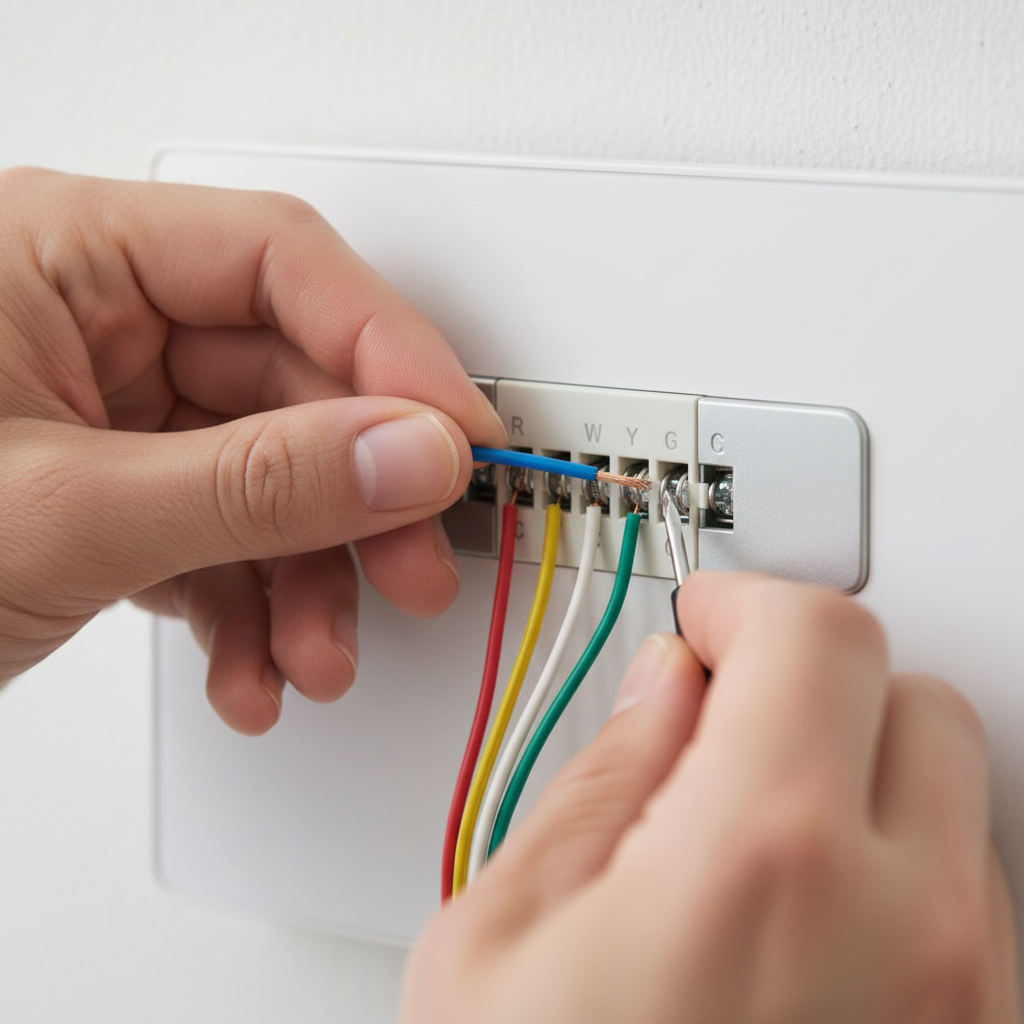
- Carefully remove your old thermostat's cover. Take a clear, well-lit photo of the existing wiring, noting which wire color goes to which terminal (e.g., Red to R, White to W, Yellow to Y, Green to G). This photo is your blueprint if you need to revert or if something goes wrong. Pay close attention to any unused wires bundled behind the thermostat – sometimes installers leave extra wires tucked away that can be repurposed as a C-wire.
- If you see a C-wire: Great! Label it as 'C' and connect it to the C-terminal on your new smart thermostat. Installation will likely be straightforward from here. Proceed to the smart thermostat's instructions.
- If you do NOT see a C-wire: Don't despair. Proceed to the next step.
-
Locate Your HVAC Control Board — Finding the heart of your system
- Go to your furnace or air handler (usually in a basement, attic, utility closet, or garage). Open the service panel, which often has a safety switch that cuts power when opened. You'll see a control board with clearly labeled terminals where the thermostat wires connect. Double-check that the power is OFF at the breaker.
- Look for a terminal labeled 'C' or '24VAC Common'.
-
Check for an Unused Wire — The easiest solution
- Examine the bundle of wires coming from the wall to your control board. Often, installers run cables with more wires than immediately needed. You might find a loose, unused wire (commonly blue or black) tucked away. If you find one:
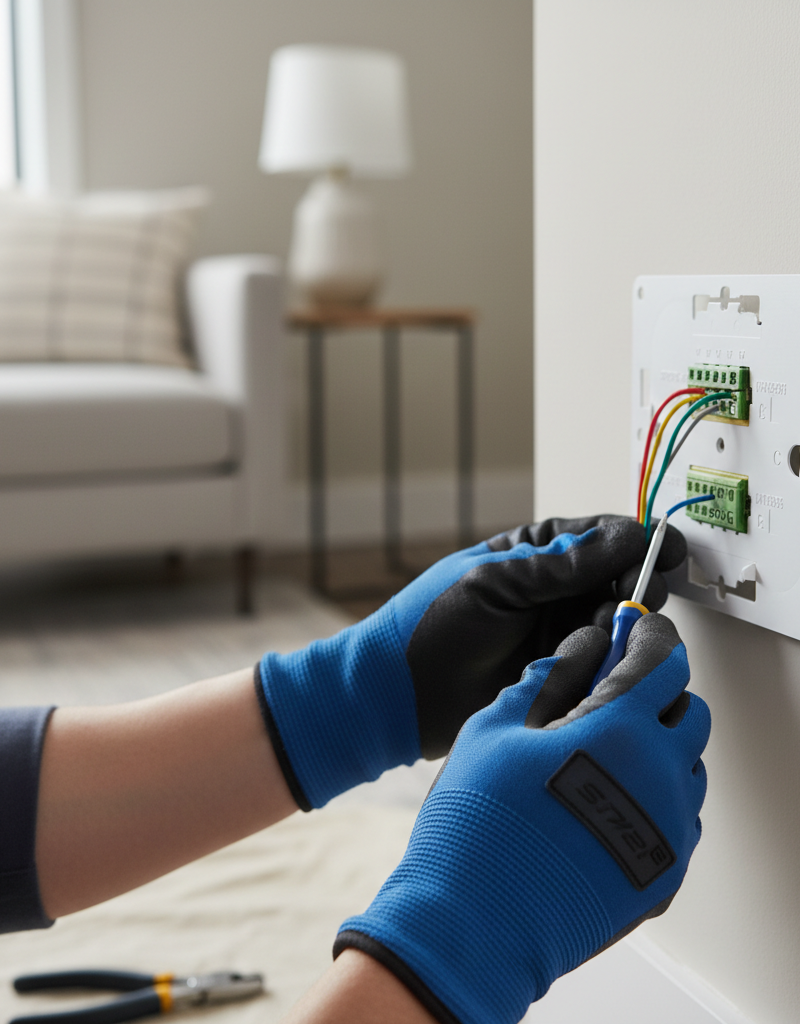
- Connect this spare wire to the 'C' terminal on your HVAC control board.
- Go back to your thermostat location. Pull the wire bundle out slightly from the wall – the same color wire should now be available. Strip about 1/4 inch of insulation from its end.
- Label it 'C' and connect it to the C-terminal on your smart thermostat. This is the cleanest and most reliable fix.
- Examine the bundle of wires coming from the wall to your control board. Often, installers run cables with more wires than immediately needed. You might find a loose, unused wire (commonly blue or black) tucked away. If you find one:
-
Install a C-Wire Adapter Kit (if no unused wire) — The common workaround
- If you don't have an unused wire, a C-wire adapter kit is your next best option. These kits typically come with your smart thermostat (e.g., Ecobee, Nest models sometimes include them, or they can be purchased separately for $20-$40). Read the adapter kit's instructions carefully, as they can vary.
- General adapter kit steps:
- At the HVAC control board, disconnect the
G(fan) wire from its terminal. Connect it to theGterminal on the adapter kit. - Connect a short wire from the
Gfor an equivalent terminal on the adapter kit back to theGterminal on your HVAC control board. - Connect the
Cwire from the adapter kit to theCterminal on your HVAC control board. - Connect the
Rwire from the adapter kit to theRterminal on your HVAC control board. - Identify the four wires that run from your HVAC unit to your thermostat. These are typically R, G, Y, W. The adapter kit will have a module that splices into these wires near the control board, creating a 'virtual' C-wire by sending a small signal over one of the existing wires (often the G wire is repurposed).
- At the thermostat side, the adapter will have an output for a dedicated C-wire that you then connect to your smart thermostat's C-terminal. This setup often reconfigures the G wire's function at the thermostat.
- At the HVAC control board, disconnect the
- Crucial Note: Some adapter kits don't require modifications at the control board but instead create a C-wire directly from the four existing wires at the thermostat location. Always follow your specific adapter's instructions.
-
Use an External 24V AC Transformer (last resort) — A more involved solution
- If neither of the above options is feasible, you can install an external 24V AC wall transformer. This involves plugging a transformer into a nearby wall outlet and running low-voltage wires directly to your smart thermostat. This is less aesthetically pleasing and requires finding a suitable outlet.
- Connect one wire from the transformer to the 'C' terminal on your smart thermostat.
- Connect the other wire from the transformer to the 'Rc' (or 'R' if no 'Rc') terminal on your smart thermostat. Important: If you use the transformer for power, you MUST disconnect the existing 'R' wire from your HVAC system at both the control board and the thermostat, or you risk shorting out your HVAC transformer. You are now powering the smart thermostat independently.
-
Connect Remaining Wires to Smart Thermostat — Completing the circuit
- Refer back to the photo of your old thermostat's wiring. Connect the
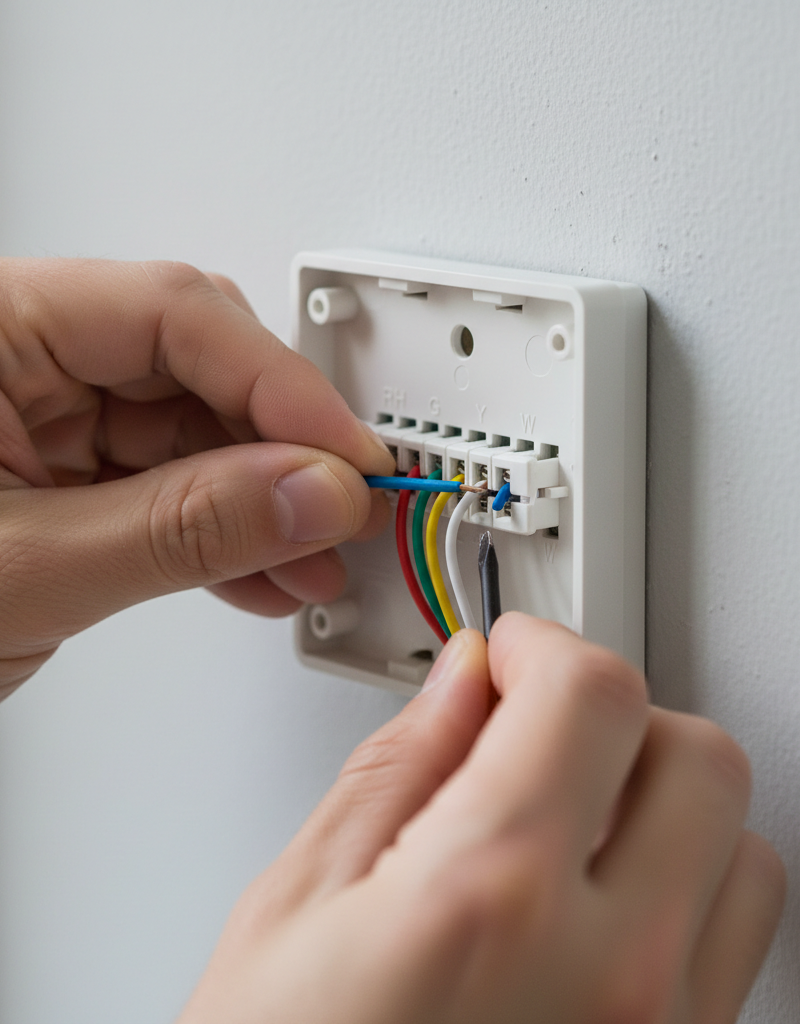
R,W,Y,G, and nowC(or the C-wire created by the adapter/transformer) to the corresponding terminals on your new smart thermostat base.
- Refer back to the photo of your old thermostat's wiring. Connect the
-
Mount and Power On — The moment of truth
- Carefully mount the smart thermostat base to the wall, feeding any excess wire back into the wall cavity. Secure the thermostat cover.
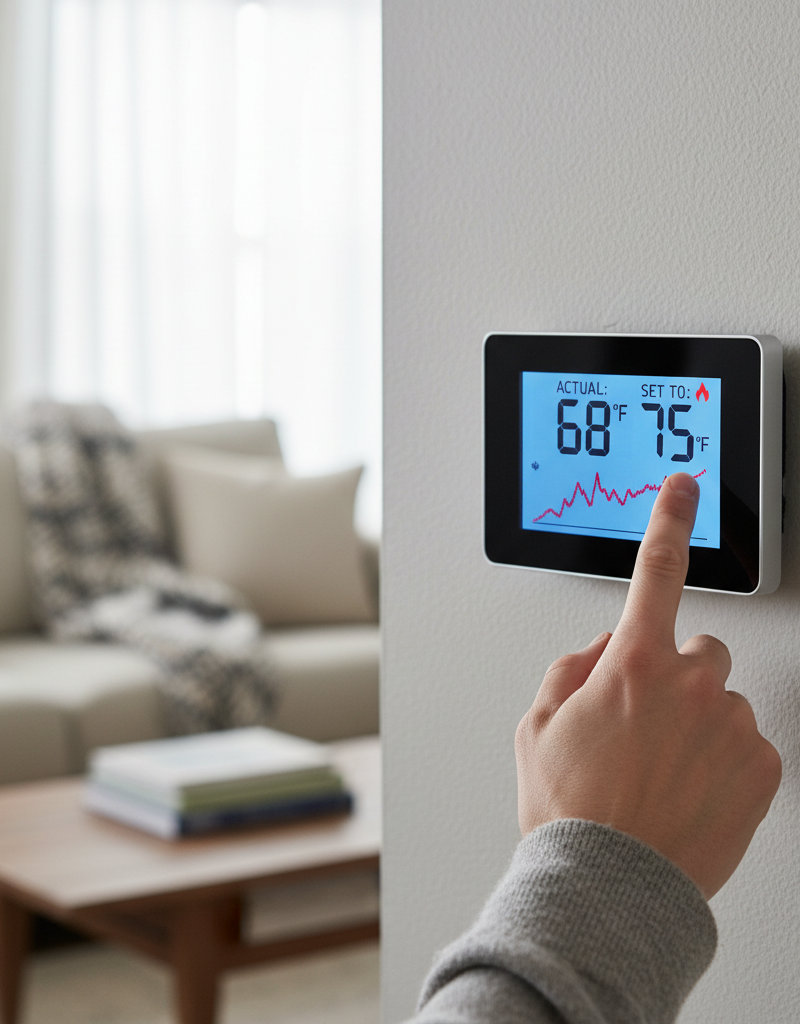
- Return to your breaker box and restore power to your HVAC system. Your smart thermostat should now power on and prompt you for setup. If not, recheck all connections, ensuring wires are seated firmly.
-
Configure and Test — Ensuring full functionality
- Follow the smart thermostat's app-guided setup process. Connect it to your Wi-Fi network.
- Thoroughly test all functions: heating, cooling, and fan-only operation. Ensure the fan cycles correctly, the compressor kicks on for cooling, and the furnace ignites for heating.
- If the fan runs continuously: You may have swapped the G wire and the new C wire. Recheck connections.
- If it still doesn't power on or is unstable: Power off, double-check all connections, especially at the HVAC control board. Ensure no stray wire strands are touching other terminals.
Common Causes
- Lack of a Dedicated C-Wire: This is by far the most frequent issue. Older HVAC systems (especially those with mechanical thermostats built before the widespread adoption of smart devices) simply weren't designed to provide constant power to the thermostat. They relied on 'power stealing' or batteries for simple displays, which isn't sufficient for complex smart features.
- Incorrect Wiring Identification: Mixing up W, Y, G, or R wires during the transfer can prevent the system from operating correctly, even if power is supplied. A common mistake is misidentifying a heat pump's O/B wire.
- Loose Connections: Wires not fully seated in the terminal blocks can lead to intermittent power or communication issues. Even one loose strand can cause problems.
- HVAC Control Board Issues: Less common, but a blown fuse on the control board or a faulty transformer within the HVAC unit can prevent 24V AC from reaching the thermostat. This can happen if wires were accidentally shorted during installation.
- Compatibility Problems: While rare, some older or proprietary HVAC systems might have unique wiring configurations that are incompatible with standard smart thermostats without specialized interfaces.
Common Mistakes
- Not Turning Off Power: Failing to cut power at the breaker before working on wiring can lead to painful shocks, short-circuiting the HVAC transformer, or blowing fuses on the control board. Always turn off the power!
- **Relying on
Related Articles
Keep troubleshooting with these hand-picked guides from FixlyGuide:
- The #1 Mistake Homeowners Make Installing a Smart Thermostat (and How to Fix It) — Avoid the most common pitfall when installing a smart thermostat yourself and ensure a smooth, energy-efficient setup.
- The #1 Gutter Mistake That Leads to $10,000 Roof Damage — Learn the most common gutter-cleaning mistake homeowners make and how to properly maintain your gutters to prevent expensive roof damage.
- The #1 Mistake Homeowners Make With HVAC Filters (And How Often to Really Change Them) — Discover the crucial mistake most homeowners make with HVAC filters and the specific schedule you should follow to avoid costly HVAC issues…
- The $5 Part That Stops Your Dryer From Heating (And How to Replace It in 30 Min) — Discover the most common, inexpensive culprit behind a dryer not heating up and learn how to quickly diagnose and replace it yourself.
- The #1 Reason Your AC Blows Warm Air (And It's Not What You Think) — Discover the most common and often overlooked reason your AC might be blowing warm air, and how a simple capacitor fix can restore cool air.
- The #1 Mistake Homeowners Make When a Gas Burner Won't Light (And the Easy Fix) — Before you call a technician, discover the most common, overlooked reason your gas stove burner isn't lighting and how to fix it yourself i…
Get the print-ready PDF of this guide
A clean, ad-free, printable version you can keep on your phone or pin to the workshop wall. We'll also send occasional weekly tips matched to your home situation.
- Print-optimized layout
- Tools, materials & every step included
- Unsubscribe anytime
Frequently asked questions
What is a C-wire and why do I need it?+
The C-wire (common wire) provides a continuous 24V AC power return path to your smart thermostat. Unlike older, battery-powered or 'power stealing' thermostats, smart thermostats require constant power for advanced features like Wi-Fi connectivity, backlighting, and processing. Without a C-wire, these devices often suffer from unreliable operation, intermittent power, or drained batteries.
Can I install a smart thermostat without a C-wire?+
Some smart thermostats claim to work without a C-wire through 'power stealing' techniques, but this is often unreliable. It can lead to intermittent power, buzzing from your HVAC system, short-cycling, or even damage. It's highly recommended to use a C-wire, either by finding an unused wire, installing an adapter kit, or using an external transformer, for stable operation.
How do I know if my HVAC system has a C-wire?+
The best way to check is by examining the wiring at both your old thermostat and your HVAC control board (usually inside the furnace or air handler). Look for a wire connected to a terminal labeled 'C' or 'Common'. Often, even if not used at the thermostat, a spare wire might be tucked behind the wall and connected to 'C' at the control board.
What if there's no C-terminal on my HVAC control board?+
This is rare but can happen with very old systems. If there's no C-terminal labeled, consult your HVAC system's manual or a professional. In some cases, a C-wire can be created by connecting to the common side of the 24V AC transformer, but this should only be done by a qualified technician.
Will adding a C-wire damage my HVAC system?+
When done correctly, adding a C-wire (either by utilizing an existing spare wire or installing an adapter kit) is safe and will not damage your HVAC system. It simply provides the necessary continuous power for your smart thermostat. However, incorrect wiring, especially if shorting wires, can blow fuses or damage the transformer, which is why turning off power first is critical.
Discussion
Loading comments…