Tools & materials you'll need
Affiliate links- AmazonNon-contact voltage testerEssential for verifying power is off.
- AmazonScrewdriver setPhillips and flathead for switches, fixtures, and outlet covers.
- AmazonWire strippers/cuttersIf you need to re-strip wires at connections.
- AmazonMultimeterFor advanced diagnostics like voltage testing, optional for basic fix.
As an Amazon Associate FixlyGuide earns from qualifying purchases — at no extra cost to you. Prices and availability are accurate as of publication and subject to change.
Quick Answer
Flickering lights in a single room are most often caused by a loose connection at the light switch or fixture, a failing light bulb (especially LEDs), or an overloaded circuit. Less commonly, it could signal a worn-out fixture or a problem with the circuit breaker. Addressing the issue usually involves checking connections, replacing bulbs, or redistributing electrical loads, making it a homeowner-friendly repair.
The Problem
Imagine settling down for a quiet evening, only to be constantly distracted by the lights in your living room performing an unwelcome strobe effect. Or perhaps it's your bedroom lights dimming and brightening like some ghostly presence. When only one room experiences flickering lights, it's particularly frustrating because it suggests a localized issue, making it harder to pinpoint without a systematic approach. This isn't just an annoyance; persistent flickering can shorten the life of bulbs and even indicate a minor electrical fault that, while not immediately dangerous, warrants attention.
The inconvenience and potential for further electrical issues are the primary reasons to address this promptly. A single flickering light bulb is one thing, but when all the lights in a room are acting up, the problem likely lies deeper than just the bulb itself, pointing to wiring, switches, fixtures, or even the circuit serving that room. Understanding the underlying causes and having a clear plan of attack can save you money on electrician calls and restore peace to your illuminated spaces.
How It Works
To understand why lights flicker, it helps to grasp the basics of how electricity flows to your fixtures. Household electrical systems operate on alternating current (AC), meaning the electrical current reverses direction many times per second (60 times per second in North America). This consistent flow of electrons powers your lights. A light bulb illuminates when an electrical current passes through its filament (incandescent) or excites gases/semiconductors (LEDs, fluorescents). Any interruption or inconsistency in this current will manifest as a flicker.
Electricity travels from your main service panel, through circuit breakers, along wires (typically copper), to switches, and finally to light fixtures. Each component in this chain – the breaker, the wiring, the switch, the fixture, and the bulb – must provide a solid, uninterrupted pathway for electricity. A loose wire connection at a switch terminal, a faulty switch mechanism, a worn-out socket in a fixture, or even a sensitive LED bulb reacting to minor voltage fluctuations can cause flickering. An overloaded circuit, where too many high-wattage devices draw power from a single circuit, can also lead to voltage drops that cause lights to dim or flicker intermittently as the circuit struggles to provide stable power. Understanding this flow helps in systematically diagnosing where the interruption might be occurring.
Step-by-Step Fix
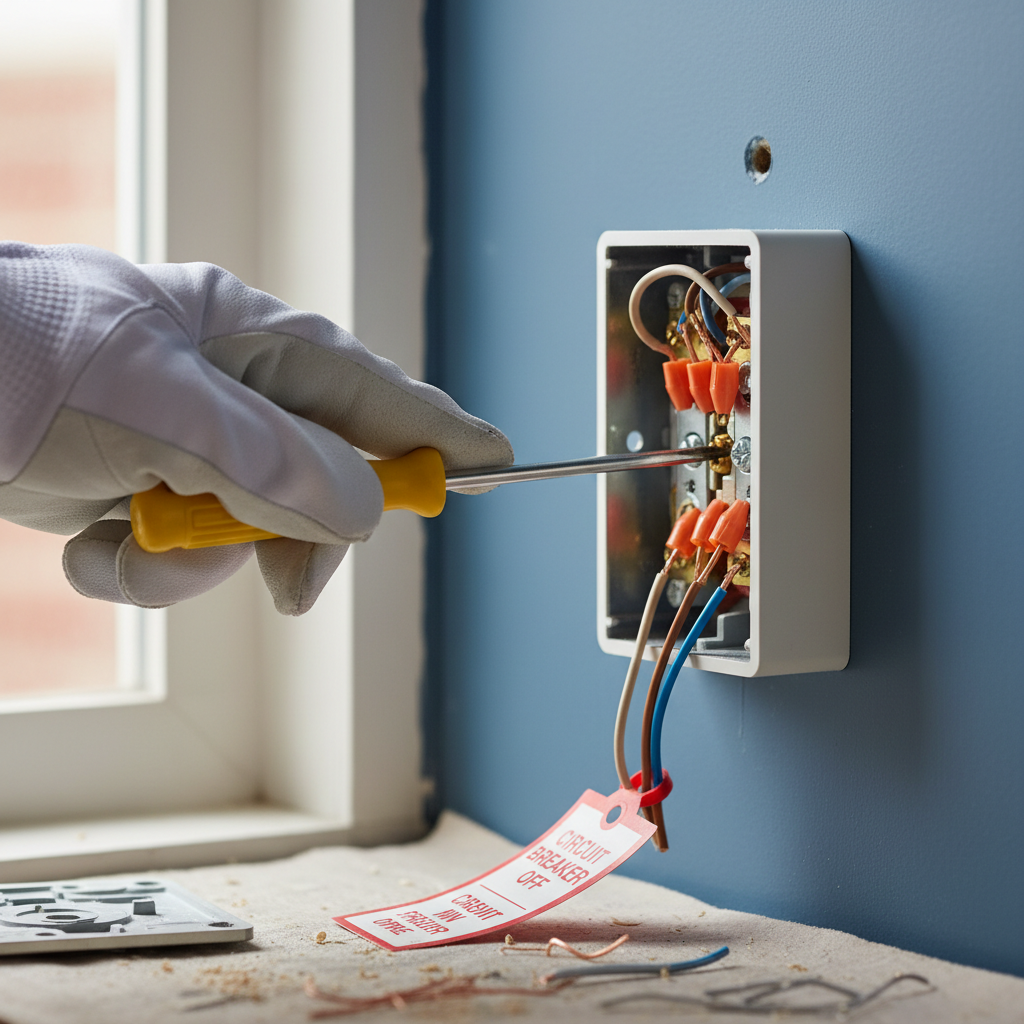
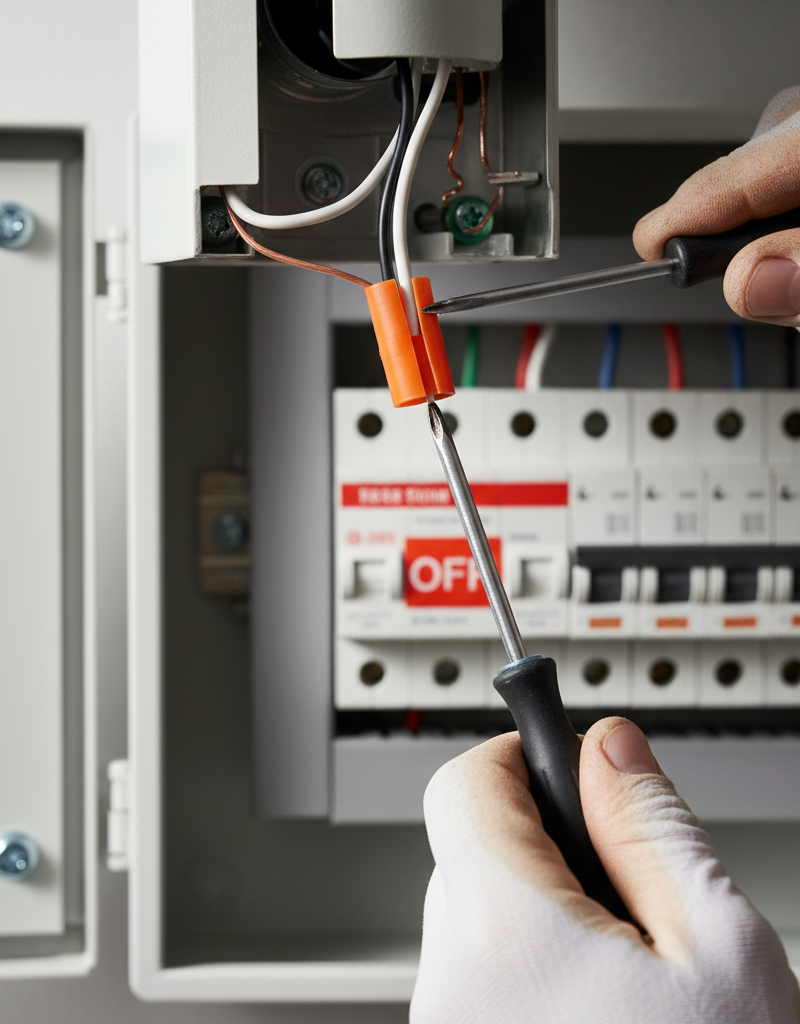
Safety First! Before attempting any electrical work, always turn off the power to the affected room or circuit at your home's main electrical panel. Verify the power is off using a non-contact voltage tester.
-
Check the Bulb — Start with the simplest solution.
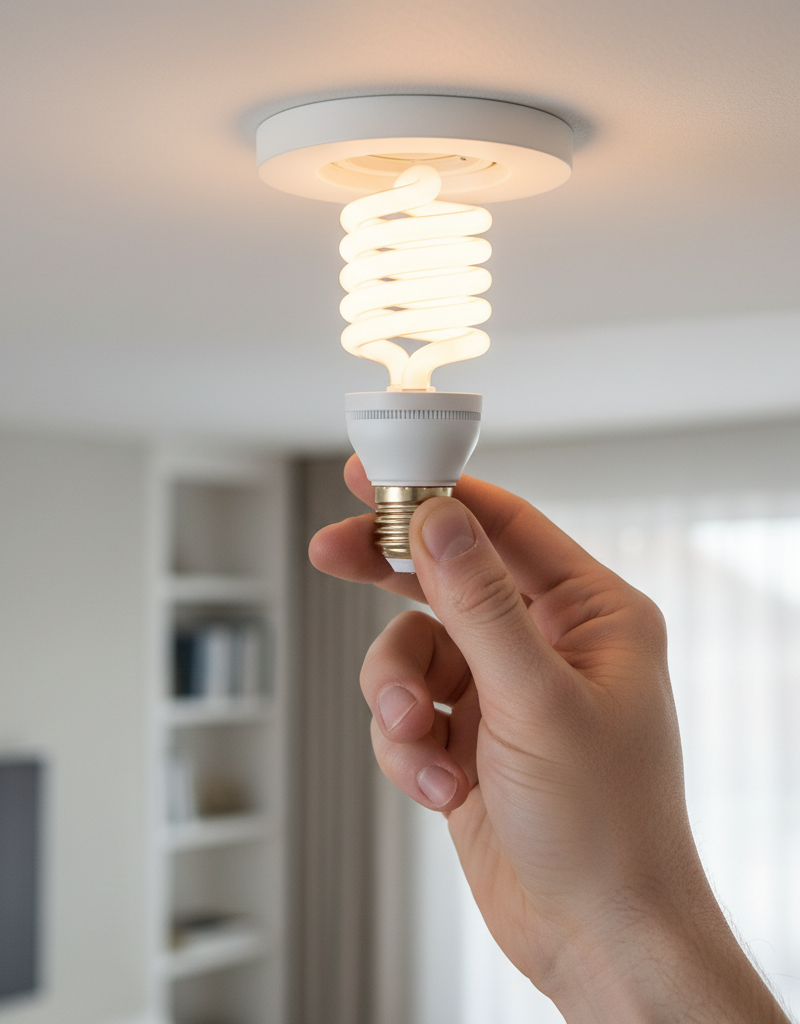
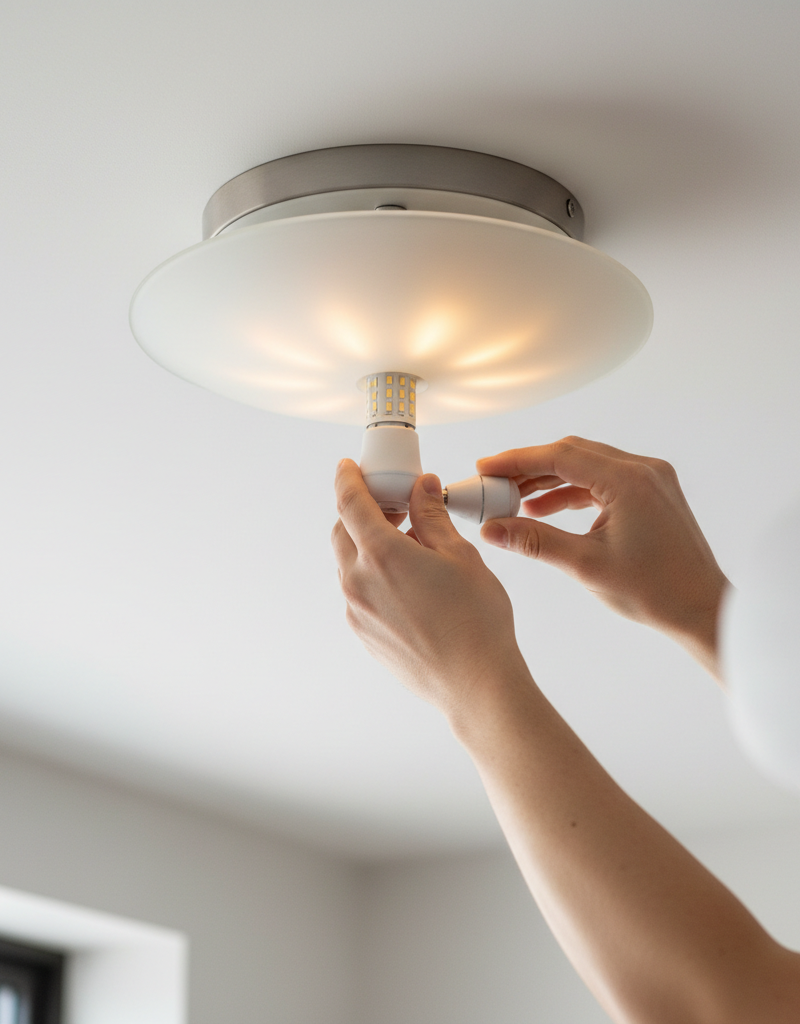
- Turn off the light switch. Carefully remove the flickering bulb. Inspect it for signs of damage, such as a broken filament or loose base. Try tightening the bulb firmly into the socket. If it's an incandescent or halogen, check if the filament is intact. If it's an LED, check for visible damage to the housing or base. Screw in a new, known-good bulb, ideally of the same type and wattage. Test the light. If the flickering stops, the old bulb was the culprit.
- If this doesn't work: Test the old bulb in another working fixture to confirm it's bad, or try a different type of bulb (e.g., an incandescent if you were using an LED, or vice-versa) to rule out compatibility issues with dimmers.
-
Inspect the Light Fixture — Look for loose connections or wear.
- With power OFF, carefully examine the light fixture itself. If it's a ceiling fixture, gently pull down on the cover or canopy to expose the wiring connections (if accessible without fully removing the fixture). Look for any loose wires, scorch marks, or damaged insulation. Tighten any visible screw terminals holding wires. Ensure the bulb socket itself isn't corroded or loose. If the socket is visibly damaged or corroded, it might need replacement.
- Tools: Screwdriver set, non-contact voltage tester.
- If this doesn't work: The issue might be further upstream, at the switch or in the wall wiring.
-
Examine the Light Switch — Loose connections are common here.
- With power OFF, remove the cover plate from the light switch in the affected room. Carefully unscrew the switch from the electrical box but do not disconnect any wires immediately. Gently pull the switch out from the wall. Inspect the wire connections: are they securely fastened to the screw terminals? Are there any back-stab connections (wires pushed into small holes on the back of the switch) that appear loose? Wiggle each wire gently to ensure it's tight. Tighten any loose screw terminals. If you find back-stab connections, it's often better to convert them to screw terminal connections for a more secure contact. Look for signs of arcing or burning on the switch or wires.
- Tools: Screwdriver set, non-contact voltage tester.
- Safety: Do not touch any exposed wires or terminals while the power is potentially on. Always double-check with your voltage tester.
- If this doesn't work: The issue could be with the switch itself (internal fault) or the wiring leading to it.
-
Check for an Overloaded Circuit — Too many devices drawing power.
- Flickering can occur if the circuit powering that room is drawing more amperage than it's designed for. Unplug several high-wattage devices (heaters, hair dryers, vacuums, microwaves, computers, window AC units) from outlets in the flickering room and any other rooms on the same circuit (you might need to consult your electrical panel diagram or test outlets to determine this). Turn the lights on. If the flickering stops, you've identified an overload. You'll need to redistribute your devices to different circuits or use fewer high-draw appliances simultaneously.
- Diagnostic: Note when the flickering occurs – is it only when a specific appliance turns on? This strongly indicates an overload or a fault in that appliance.
-
Inspect Other Outlets/Fixtures on the Circuit — Broaden your search.
- If the above steps haven't resolved the issue, consider if other lights or outlets on the same circuit are also experiencing problems, even if subtle (e.g., occasional dimming). Sometimes a loose connection at another outlet or fixture on the same circuit can cause flickering in the problematic room. With power OFF at the breaker, remove cover plates and inspect wiring connections in nearby outlets or lights that are known to be on the same circuit.
- Tools: Screwdriver set, non-contact voltage tester.
-
Tighten Breaker Terminals (Advanced DIY) — Proceed with extreme caution.
- WARNING: Only attempt this if you are comfortable working inside your electrical panel. If not, call a pro. With the main breaker for your entire house OFF (not just the individual circuit breaker), carefully open your electrical panel cover. Locate the circuit breaker for the affected room. Wiggle the breaker to ensure it's seated firmly. Using a screwdriver, gently tighten the wire connection screw on the breaker itself. Be extremely careful not to touch any other components or wires in the panel. Close the panel, turn the main breaker back on, then the individual circuit breaker.
- Safety: Wear insulated gloves and use insulated tools. If anything looks burnt, corroded, or you are unsure, do not proceed. Call a licensed electrician.
- Pro Callout: If a breaker frequently trips or is hot to the touch, it indicates a serious problem that requires a licensed electrician's diagnosis. Never ignore a hot or constantly tripping breaker.
-
Test for Voltage Fluctuations (Advanced DIY) — Requires a multimeter.
- With power ON (but safely), use a multimeter to test the voltage at the light fixture's socket or the switch terminals. A stable reading around 120 volts AC is expected. Significant or intermittent drops in voltage when the flickering occurs could indicate a problem with the circuit, an overloaded condition, or even a utility-side issue. Compare readings at various points (outlet, switch, fixture) on the circuit. This may require an assistant to observe the flickering while you test.
- Tools: Multimeter with AC voltage function.
- Pro Callout: If you find unexplained voltage drops or inconsistent readings, especially when a load is applied, it's time to call a professional electrician. This could point to issues in the home's main wiring or even with the utility's service drop.
Common Causes
- Loose Bulb or Fixture Connection: The most frequent culprit. If the bulb isn't screwed in tightly or the wires within the fixture itself are loose, the electrical contact becomes intermittent, causing flickering.
- Faulty Light Bulb: Especially with older incandescent bulbs, the filament can be damaged. Modern LED bulbs can also flicker due to internal driver issues, poor quality manufacturing, or incompatibility with dimmer switches.
- Loose Switch Wiring: Over time, wire connections at the light switch can loosen due to vibrations, temperature changes, or improper installation. This creates an intermittent connection.
- Overloaded Circuit: When too many high-power appliances or lights are connected to a single circuit, the total current draw exceeds the circuit's capacity, leading to voltage drops and flickering as the system struggles.
- Old or Damaged Light Fixture: The internal wiring or socket of an aging fixture can degrade, causing poor contact or short circuits that manifest as flickering.
- Incompatible Dimmer Switch: If you have an incandescent dimmer powering LED bulbs, or a low-quality dimmer, it might not provide a stable current, leading to flickering or buzzing from the LEDs.
- Loose Wiring in the Electrical Box: Less common, but sometimes a wire nut connection in the ceiling or wall box (where fixture wires connect to house wiring) can become loose.
- Slightly Loose Circuit Breaker: The breaker itself might not be fully seated or its terminal screw could be loose, causing an intermittent connection to the circuit.
Common Mistakes
- Ignoring a Flickering Light: While often a minor issue, persistent flickering can signal underlying electrical stress. Ignoring it can lead to premature bulb failure, damage to fixtures, or, in rare cases, a fire hazard if the flickering is due to arcing from a very loose connection.
- Assuming the Bulb is Always the Cause: While often the case, replacing a bulb multiple times without checking connections at the fixture or switch wastes money and doesn't solve the root problem if it's elsewhere.
- Not Shutting Off Power: Attempting to fix electrical issues without turning off the corresponding circuit breaker is extremely dangerous and can lead to electric shock or further damage. Always use a non-contact voltage tester to verify power is off.
- Overtightening Bulbs: While securing a loose bulb is important, overtightening can strip the socket threads, make it difficult to remove the bulb later, or even break the bulb's base in the socket.
- Using Incompatible Dimmers: Installing non-LED compatible dimmers with LED bulbs, or using cheap, incompatible dimmers, can cause constant flickering, buzzing, or premature bulb failure. Always check compatibility.
- Overloading Circuits Further: Trying to
Frequently asked questions
Why do my lights flicker in only one room and not the whole house?+
Flickering isolated to a single room usually indicates a problem specific to that room's wiring, light fixture, bulb, or the circuit breaker dedicated to that area. If it were a whole-house issue, multiple rooms or appliances would be affected, pointing to a service entrance problem or main breaker.
Can a loose wire cause lights to flicker?+
Yes, a loose wire is one of the most common reasons for flickering lights. Whether it's at the bulb socket, the light fixture's wiring, the light switch terminals, or even a wire nut connection in the ceiling box, a poor electrical contact will interrupt the flow of current and cause flickering.
Is it dangerous if lights are flickering?+
While often just an annoyance, persistent flickering can sometimes indicate an underlying electrical issue like a very loose connection or an overloaded circuit. These situations can generate heat and, in rare instances, pose a fire hazard. It's always best to investigate and resolve the cause of flickering lights promptly.
Can an overloaded circuit cause only one room's lights to flicker?+
Yes, if that single room contains the majority of draw on a particular circuit, or if high-wattage appliances in that room are pushing the circuit past its capacity, it can cause the lights in that specific room to flicker due to voltage drops. Unplugging some devices can help diagnose this.
Will replacing the light switch fix flickering lights?+
Replacing a light switch can fix flickering lights if the switch itself is faulty or if the original wiring connections at the switch were loose and are now properly re-secured during the replacement. However, always diagnose the issue thoroughly before replacing parts unnecessarily.
Discussion
Loading comments…