Tools & materials you'll need
Affiliate linksAs an Amazon Associate FixlyGuide earns from qualifying purchases — at no extra cost to you. Prices and availability are accurate as of publication and subject to change.
Quick Answer
Flickering lights in a single room are most commonly a symptom of a localized problem rather than a house-wide electrical issue. The usual culprits include a loose light bulb, a faulty light fixture, an overburdened electrical circuit, or loose wiring connections at the switch or outlet that controls the lights in that specific room. Pinpointing the exact cause generally involves a systematic approach, beginning with the simplest potential fixes and progressing to more involved inspections if necessary.
The Problem
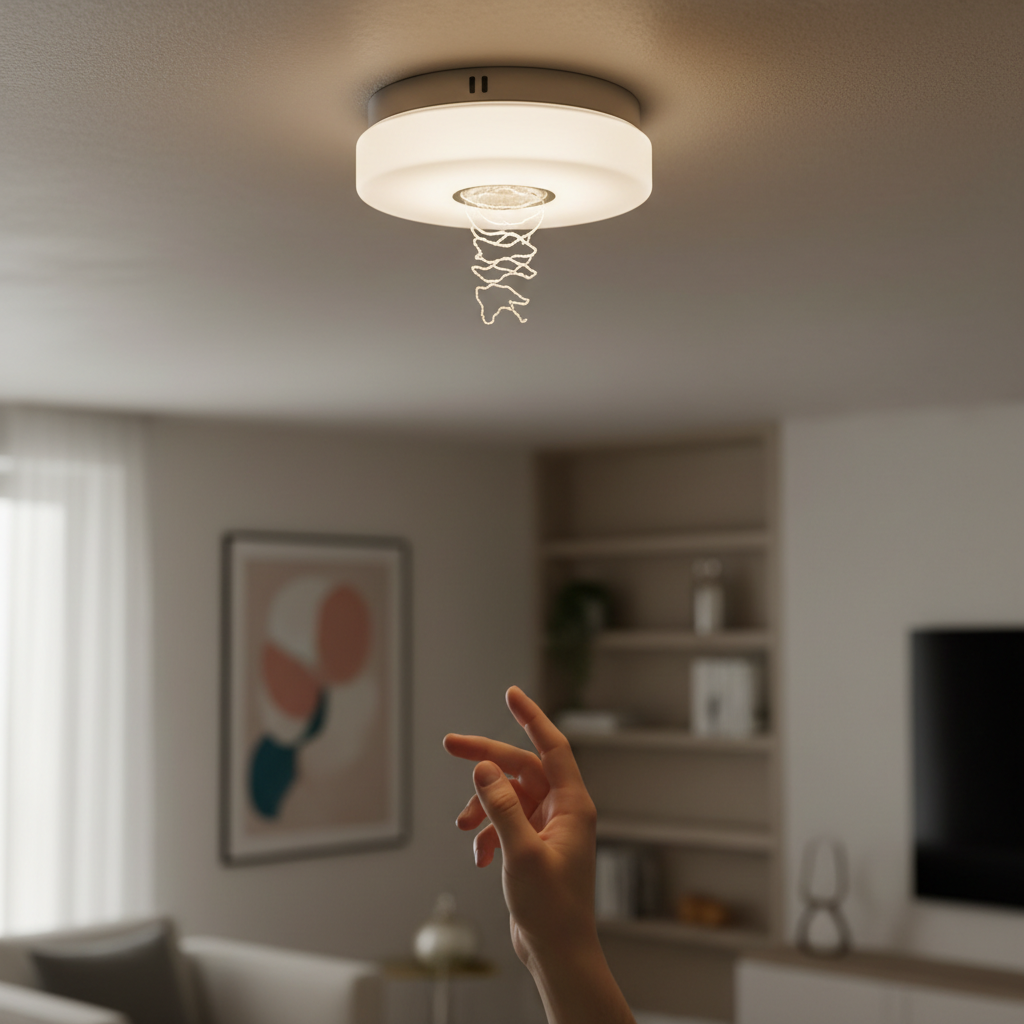
You're relaxing in your living room, engrossed in a book, when suddenly the overhead lights begin to flicker erratically. It's not a complete blackout, just an annoying, intermittent dimming and brightening. You check other rooms, and their lights are burning steadily—no flicker there. This isolated flickering, confined to just one room, is perplexing and, frankly, a bit unsettling. While it might seem like a minor annoyance, flickering lights can indicate a more serious underlying electrical issue that could lead to tripped breakers, damaged appliances, or even a fire hazard if left unaddressed. The good news is that because the problem is isolated, the troubleshooting process is usually confined to a smaller area, making it less daunting to diagnose and fix.
How It Works
To understand why lights flicker, it helps to grasp the basics of your home's electrical system. Electricity flows from the utility company, through your meter, and into your main electrical panel (breaker box). From there, individual circuits branch out, each protected by a circuit breaker. These circuits power various parts of your home, including the outlets and light fixtures in your rooms. When you flip a light switch, you complete a circuit, allowing electricity to flow through the wiring to the light fixture, illuminating the bulb. Light bulbs themselves are essentially resistive components that convert electrical energy into light and heat. Incandescent bulbs use a filament heated to incandescence, while LEDs use semiconductors to produce light efficiently. A consistent and adequate flow of electricity is crucial for steady illumination. Any interruption or impedance in this flow—whether from a loose connection, a faulty component, or insufficient power—can manifest as a flicker. Imagine a garden hose: if there's a kink, a blockage, or if the water pressure drops intermittently, the flow at the nozzle will be inconsistent. Electrical current behaves similarly. When a connection is loose, the resistance increases, causing the voltage at the fixture to fluctuate, resulting in the visible flickering of the light. If the circuit is overloaded, meaning too many appliances are drawing power from it, the voltage can dip, particularly when a high-draw appliance cycles on, leading to a momentary flicker.
Step-by-Step Fix
1. Replace the Bulb — Start with the simplest solution.
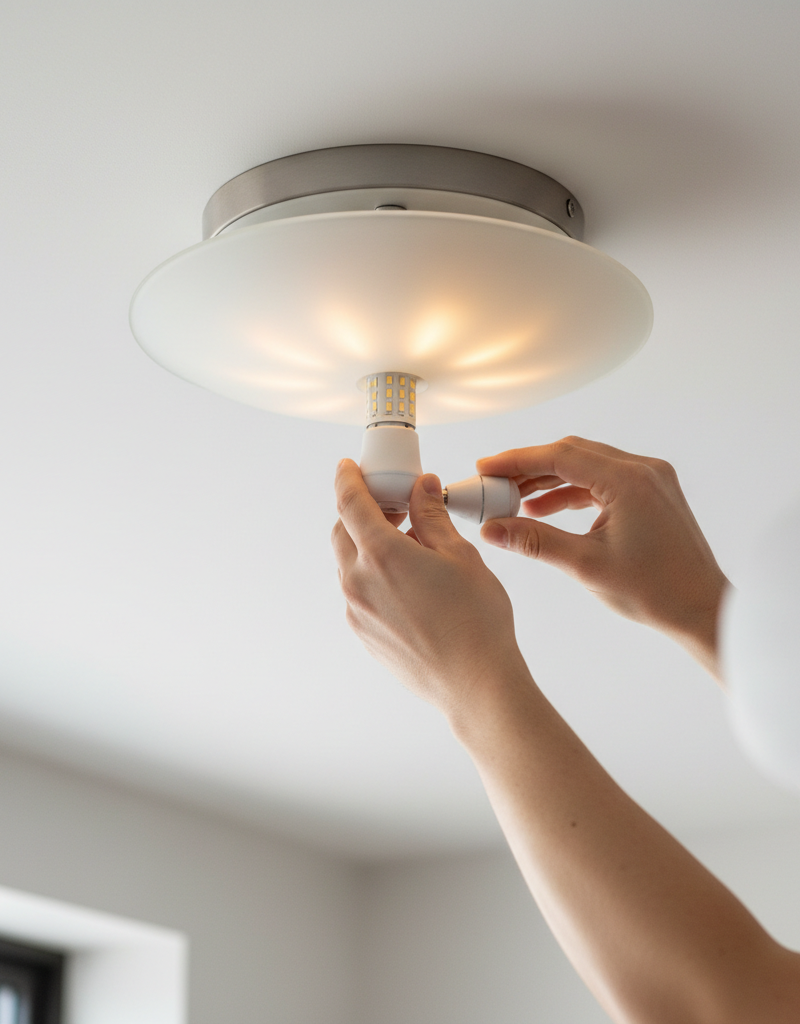
- Action: Turn off the light at the switch. Carefully unscrew the existing bulb and replace it with a brand-new bulb of the same type and wattage. Ensure the new bulb is screwed in snugly but not overtightened.
- Why: A faulty or aging bulb is the most common and easiest-to-fix cause of flickering. Over time, the filament in incandescent bulbs can weaken, or the internal electronics of LED bulbs can degrade.
- If this doesn't work: Proceed to check the fixture itself.
2. Inspect the Light Fixture — Loose connections within the fixture can be the culprit.
- Action: Turn off power to the room at the main electrical panel (flip the breaker for that room). Remove the light fixture's cover. Visually inspect the bulb socket for any corrosion, bent tabs, or loose connections. Gently bend any flattened tabs in the socket slightly outwards to ensure good contact with the bulb's base. Check the wiring connections leading into the fixture—ensure no wires are loose or appear scorched. Gently tighten any visible screws on the wiring terminals, but do not overtighten, as this can damage the wires.
- Safety First: Always kill power at the breaker before working on any electrical fixture. Use a non-contact voltage tester to confirm the power is off before touching any wires.
3. Check the Light Switch — A failing or loose switch connection can interrupt power.
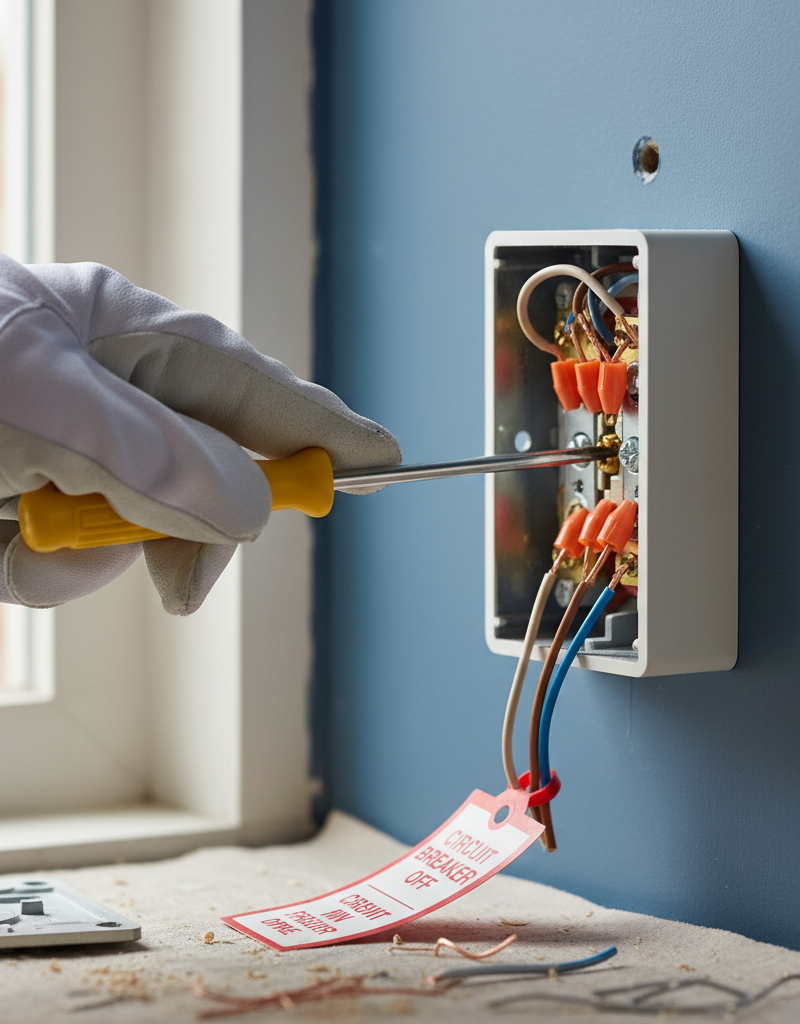
- Action: Turn off power to the room at the main electrical panel. Remove the switch plate cover and then carefully unscrew the switch from the electrical box. Without fully removing the switch (unless you are replacing it), gently pull it forward to inspect the wiring connections. Look for any wires that appear loose, frayed, or discolored. Using a screwdriver appropriate for the terminal screws, carefully tighten any loose wires. If the switch feels hot to the touch or shows signs of arcing (burn marks), it likely needs to be replaced.
- Tools: Flathead and Phillips head screwdrivers, non-contact voltage tester.
- Pro Tip: If you're unsure about the wiring, take a photo with your phone before disconnecting anything to help you remember how to reconnect it.
4. Examine Nearby Outlets — Other devices on the same circuit can impact the lights.
- Action: Unplug all devices from outlets in the flickering room. Plug something simple (like a lamp or phone charger) into each outlet, one at a time, to confirm power. Then, plug in each of the room's regular appliances one by one, noting if the flickering returns with a specific device. Also, visually inspect the outlets themselves for any signs of damage, burn marks, or loose-fitting plugs.
- Why: A loose wire connection inside an outlet on the same circuit can cause voltage drops that affect all devices, including lights, on that same circuit. An appliance with a short can also cause intermittent flickering as it tries to draw power.
5. Test for Overloaded Circuit — Too many devices drawing power can cause voltage sag.
- Action: Note which other outlets or fixtures in the room (or even adjacent rooms, if they're on the same circuit) are connected to the flickering light's circuit. Unplug all non-essential appliances and electronics from outlets on that circuit. Turn on the flickering light. If the flickering stops, gradually plug devices back in, one by one, to identify which combination causes the issue. Distribute high-demand appliances (like vacuum cleaners, space heaters, or hair dryers) across different circuits if possible.
- Signs of Overload: Frequent breaker trips, dimming lights when an appliance starts, or outlets/switches feeling warm.
- If this doesn't work: The issue might be deeper, requiring professional assessment.
6. Check for Loose Wiring in Electrical Box — Connections hidden in the wall can be the root cause.
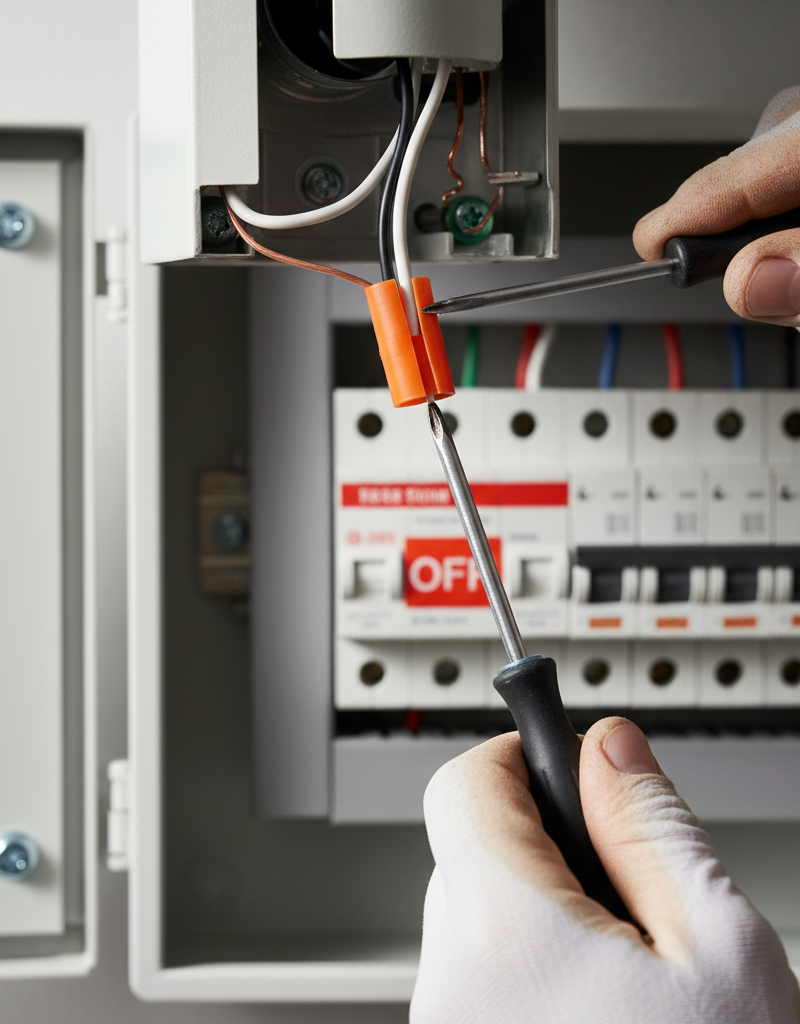
- Action: This step is more advanced and requires caution. Turn off power at the main breaker. If the above steps haven't worked, the problem could be a loose connection within the electrical box where the fixture or switch is mounted, or even in a junction box further down the circuit. Carefully unscrew the fixture/switch and gently pull it out to expose the wiring within the box. Inspect the wire nuts or push-in connectors, ensuring all connections are snug. If any wire nuts feel loose, remove them, twist the wires together tightly, and re-secure with a new wire nut. Look for any signs of arcing or burning.
- Safety First: If you are uncomfortable performing this step, or if the wiring appears old, brittle, or complex, it is best to call a licensed electrician.
Common Causes
- Loose or Faulty Light Bulb: The simplest cause; the bulb itself is either failing or not screwed in tightly enough, creating intermittent contact.
- Loose Connection at the Light Fixture: The wires connecting to the light socket or the fixture's internal wiring have come loose over time, causing intermittent power disruptions.
- Faulty Light Switch: The internal mechanism of the light switch can wear out, or the wires connected to it can become loose, leading to an inconsistent flow of electricity.
- Loose Connection at an Outlet: If the light and a nearby outlet share a circuit, a loose wire in that outlet can affect the entire circuit, including the light.
- Overloaded Circuit: Too many devices drawing power from the same circuit can cause voltage drops, especially when high-wattage appliances cycle on, resulting in lights flickering momentarily.
- Aging or Damaged Wiring: Older homes may have deteriorating insulation or brittle wires, leading to intermittent contact or increased resistance.
- Intermittent Appliance Draw: A high-wattage appliance (like a refrigerator, AC unit, or washing machine) on the same circuit that cycles on and off can momentarily pull enough power to cause lights to flicker.
Common Mistakes
- Ignoring the problem: Flickering lights are often a precursor to more severe electrical problems. Ignoring them can lead to damaged appliances or, in worst-case scenarios, electrical fires.
- Assuming it's a house-wide issue: When only one room is affected, it's rarely a problem with the main electrical service. Focusing troubleshooting on the specific room saves time and effort.
- Not turning off the power at the breaker: Always, always kill the power at the main electrical panel before working on any part of your home's electrical system. A light switch only breaks one side of the circuit, leaving the other side live and dangerous.
- Overtightening wire connections: While loose connections are bad, over-tightening screws on terminals can strip the screws or damage the wire, creating an even worse connection or a fire hazard.
- Using the wrong bulb type/wattage: Installing a bulb with a wattage higher than the fixture is rated for can cause overheating, damage the fixture, or contribute to flickering due to excessive power draw.
- Not checking all potential sources on the circuit: Remember that the problem isn't always directly at the light fixture or switch. Other outlets or appliances on the same circuit can influence the light's behavior.
Cost & Time Breakdown
| Task | DIY cost | Pro cost | Time |
|---|---|---|---|
| Replace Light Bulb | $5–$20 | N/A | 2–5 minutes |
| Inspect/Tighten Fixture Wires | $0 | $100–$250 | 15–30 minutes |
| Inspect/Tighten Switch Wires | $0 | $100–$250 | 20–45 minutes |
| Replace Light Switch | $10–$20 | $120–$300 | 30–60 minutes |
| Diagnose Overloaded Circuit | $0 | N/A | 15–30 minutes |
| Electrician for Diagnostics | N/A | $150–$400 | 1–3 hours |
Tips & Prevention
- Regular Bulb Checks: Periodically check and gently tighten all light bulbs. A loose bulb is a simple fix that prevents flickering.
- Check Wattage Ratings: Always use light bulbs that match or are below the maximum wattage rating specified for your light fixture. This prevents overheating and overloaded sockets.
- Balance Electrical Loads: Be mindful of how many high-wattage appliances are plugged into outlets on the same circuit. Distribute these appliances across different circuits to prevent overloading.
- Inspect Outlets & Switches: If you notice any outlets feeling warm, or switches that are loose or discolored, have them inspected by a professional to prevent further issues.
- Upgrade Old Wiring: In older homes, consider having an electrician assess your wiring. Older aluminum or cloth-insulated wiring can be prone to issues and may warrant an upgrade.
- Use Quality Components: When replacing bulbs, switches, or fixtures, invest in quality products from reputable brands. Cheaper components can fail prematurely and cause problems.
When to Call a Professional
While many flickering light issues are DIY-friendly, there are clear indicators that it's time to call a licensed electrician. If you observe sparks, burning smells, smoke, or physical damage to outlets, switches, or wires, immediately turn off the main breaker for your home and call a professional. You should also contact an electrician if you've gone through all the troubleshooting steps and the flickering persists, as this suggests a deeper issue within your home's wiring, such as a loose connection in a junction box you can't access, faulty circuit wiring, or a problem with your main electrical panel. Additionally, if you feel uncomfortable at any point working with electricity, or if the problem involves multiple rooms or your entire home, a qualified electrician has the expertise and specialized tools to safely diagnose and repair complex electrical problems and ensure your home's electrical system is safe and up to code. Do not attempt to work on main service wires or inside the breaker panel beyond flipping a breaker.
Related Articles
Keep troubleshooting with these hand-picked guides from FixlyGuide:
- Why Does Only One Room Have Flickering Lights? The Real Culprit — Flickering lights in a single room often point to a localized electrical issue, frequently a loose connection, easily diagnosed and repaire…
- Why Does Only One Room Have Flickering Lights? The Real Culprit — Flickering lights in a single room often point to a localized electrical issue, most commonly a loose connection within the circuit.
- Why Does Only One Room Have Flickering Lights? The Real Culprit — Flickering lights in a single room often point to loose connections, an overloaded circuit, or a failing light fixture, rather than a whole…
- 1 Flickering Light? It's Probably Not What You Think. — If the lights in a single room are flickering, the problem is usually a simple electrical issue you can often diagnose and fix yourself.
- Light Flickering in One Room? 3 Hidden Causes Revealed — If lights in a single room are flickering, it's usually a minor electrical issue you can often fix yourself with basic tools and caution.
- The Secret Culprit Behind Your Dishwasher's Standing Water (It's Not Always a Clog) — Don't assume a clog is the only reason your dishwasher isn't draining; often, the fix is simpler than you think.
Frequently asked questions
Why do my lights flicker only in one room?+
Flickering lights confined to a single room usually indicate a localized electrical problem such as a loose light bulb, a faulty fixture, a bad switch, or an overloaded circuit specific to that room. It's rarely a main electrical service issue.
Is flickering lights in one room dangerous?+
While often minor, flickering lights can signal underlying issues like loose wiring or overloaded circuits, which can be fire hazards if left unaddressed. If you notice burning smells, sparks, or discolored outlets, turn off power and call an electrician immediately.
Can a loose light bulb cause flickering?+
Yes, a loose or faulty light bulb is the most common and easiest-to-fix cause of flickering. The bulb may not be screwed in tightly enough, or its internal filament/electronics could be failing.
How do I fix a flickering light in one room?+
Start by replacing the bulb. If that doesn't work, check the light fixture, then the light switch, and lastly, inspect nearby outlets and assess for an overloaded circuit. Always turn off power at the breaker before working with wiring.
When should I call an electrician for flickering lights?+
Call an electrician if you see sparks, smell burning, or if the flickering persists after basic troubleshooting. Also, if you're uncomfortable working with electricity, or if the issue seems complex or affects your whole home, a professional is recommended.
Discussion
Loading comments…