Tools & materials you'll need
Affiliate linksAs an Amazon Associate FixlyGuide earns from qualifying purchases — at no extra cost to you. Prices and availability are accurate as of publication and subject to change.
Quick Answer
A garage door that refuses to close all the way is a common and inconvenient issue, but it's rarely a sign of a major problem. In most cases, the culprit is one of three things: misaligned safety sensors, an obstruction in the sensor's path, or an incorrectly set 'down' travel limit. Addressing these issues typically involves a quick visual inspection, clearing any debris, physically adjusting the photo-eye sensors, or making a minor adjustment on your garage door opener's control panel. Most homeowners can diagnose and fix these problems in under 30 minutes with minimal tools.
The Problem
You push the button, the garage door starts to descend, and then, inexplicably, it reverses and opens back up, leaving your garage vulnerable and your frustration mounting. Or perhaps it only lowers part of the way, leaving an annoying gap at the bottom. This isn't just an inconvenience; it's a security risk and an energy drain. If your garage door isn't closing fully, it means the safety mechanisms are being triggered, or the opener simply isn't told to travel far enough. The good news is that these are almost always issues you can resolve yourself without needing a professional.
How It Works
To understand why your garage door isn't closing, it helps to know how the system operates. A modern garage door opener is a sophisticated piece of equipment designed with multiple safety features. The primary components are the motor unit (the opener itself), the drive mechanism (chain, belt, or screw that moves the door), the springs (torsion or extension) that counterbalance the door's weight, and the safety photo-eye sensors located near the bottom of the door tracks.
When you press the close button, the motor engages, pulling the door down. As it descends, the opener's control board monitors its position. Crucially, the photo-eye sensors create an invisible infrared beam across the garage door opening, typically 4-6 inches above the floor. If anything breaks this beam while the door is closing, the opener's logic board interprets this as an obstruction and immediately reverses the door to prevent injury or damage. This is a critical safety feature. Additionally, the opener has 'travel limits'—electronic or mechanical settings that tell the motor how far to open and close. If the 'down' limit is set too high, the door will stop before reaching the floor, leaving a gap. The opener also has an 'auto-reverse' force setting; if the door encounters too much resistance (like hitting an object) before reaching its closed position, it will reverse. However, in our context, we're focusing on sensor and travel limit issues first, as they are the most common culprits for a door that won't close all the way.
Step-by-Step Fix
Safety First! — Before attempting any repairs, always disconnect power to the garage door opener by unplugging it from the ceiling outlet or by flipping the dedicated circuit breaker. Garage doors operate under extreme tension, and unexpected movement can cause serious injury. Wear safety glasses.
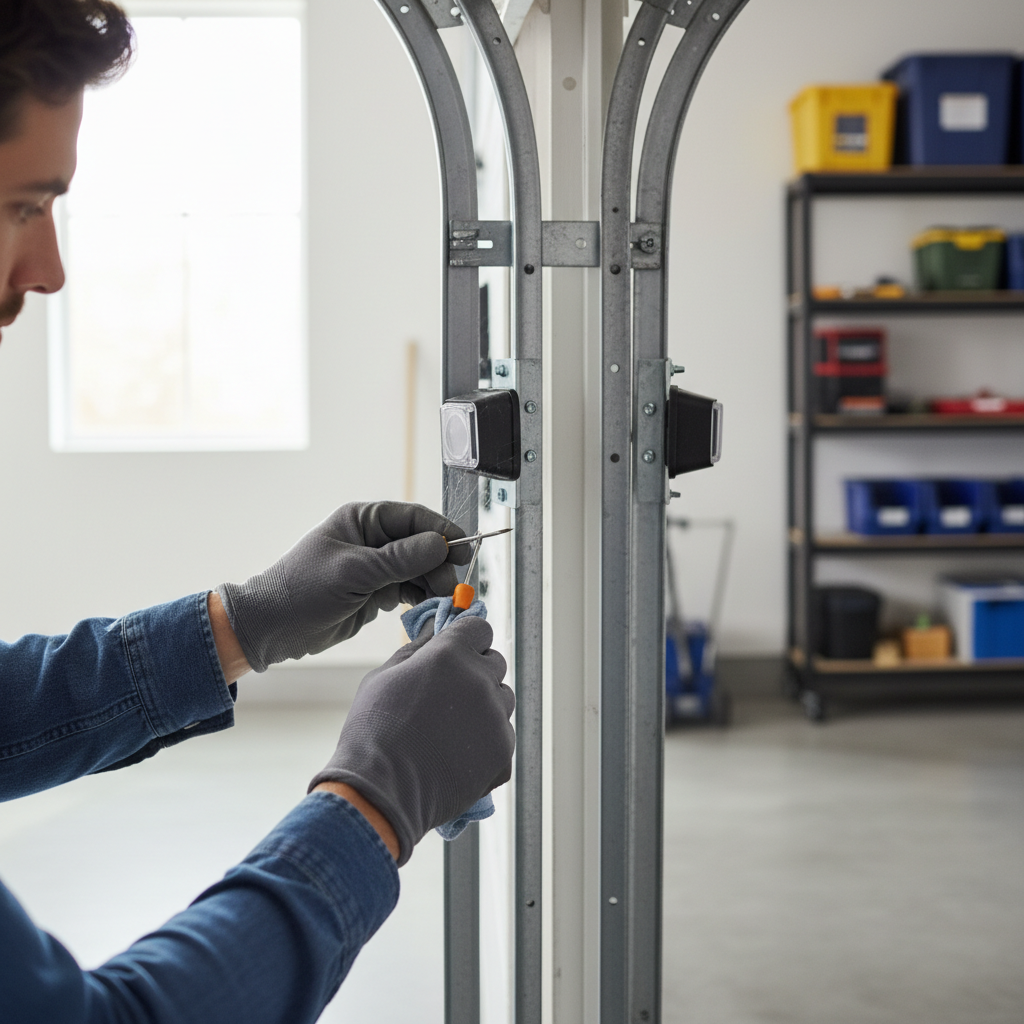
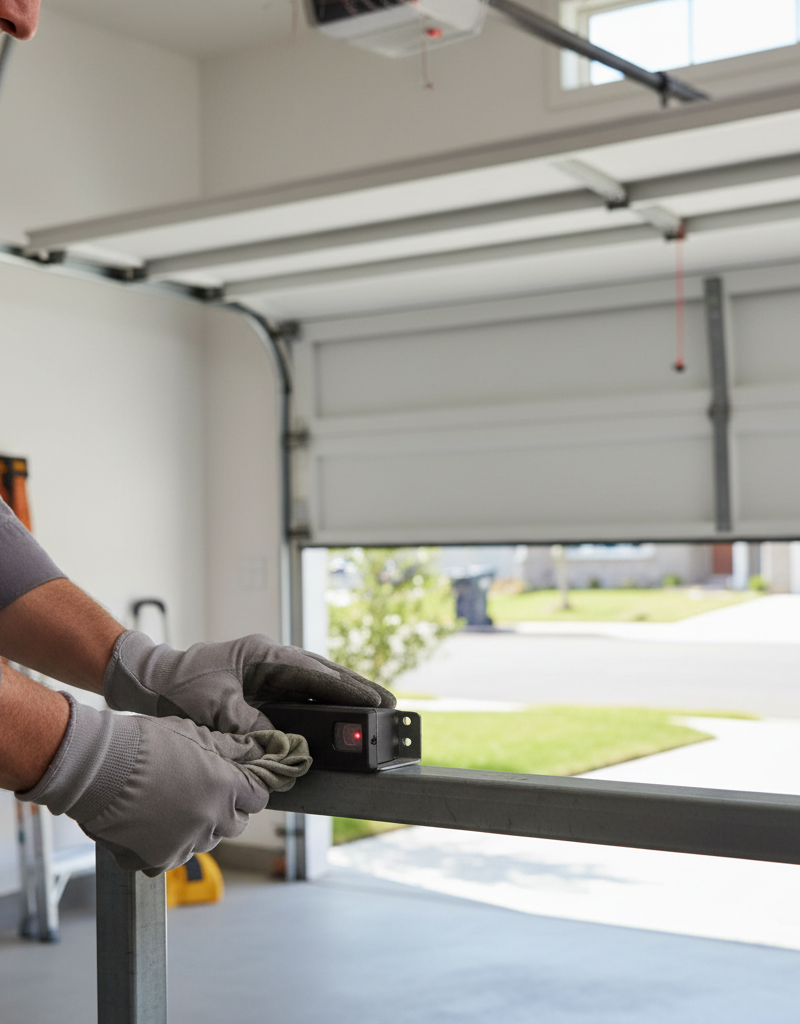
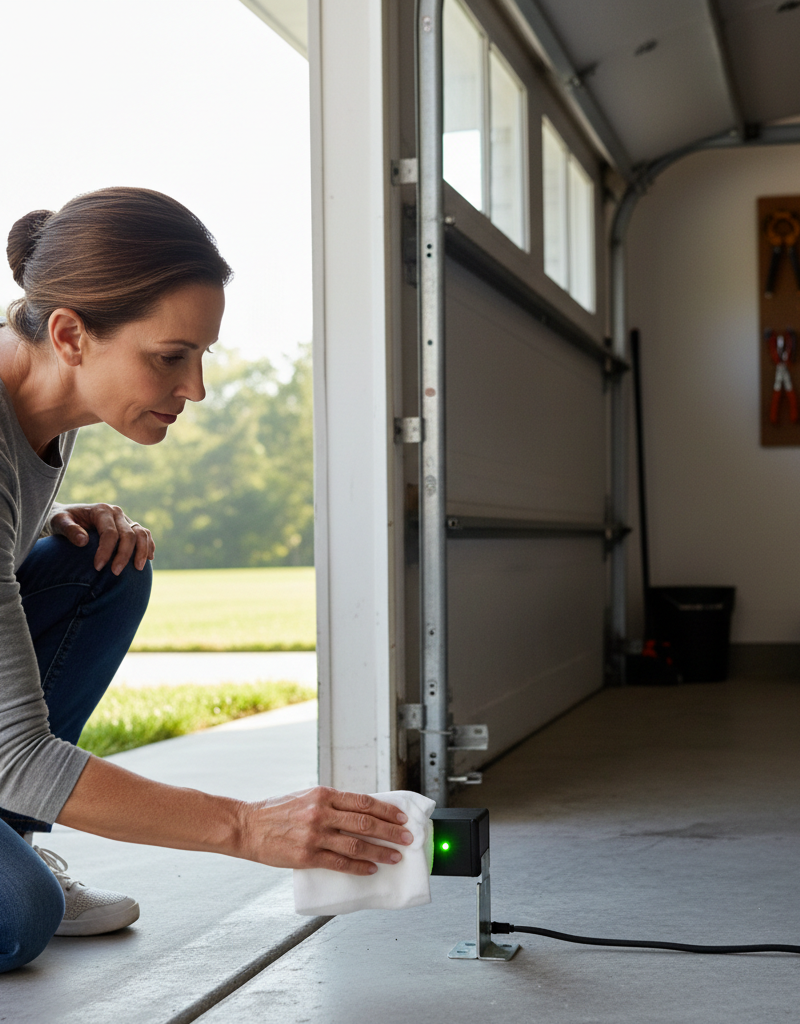
Step 1: Inspect and Clear the Photo-Eye Sensors — Inspect both photo-eye sensors. These are small, electronic boxes mounted on the garage door tracks, typically 4-6 inches from the floor. Look for any spiderwebs, dust, leaves, or debris blocking the lens or the pathway between the two sensors. Even a tiny obstruction can break the infrared beam.
- Tools: Soft, dry cloth or paper towel.
- Troubleshooting: Gently wipe the lenses of both sensors clean. Ensure no objects are resting on the floor or hanging in the path of the beam.
Step 2: Check Sensor Alignment — Misaligned sensors are the most common reason a garage door reverses. The two sensors must be perfectly aimed at each other for the beam to connect. One sensor transmits the beam, and the other receives it.
- Identify: Look for indicator lights on each sensor. Green usually means it's receiving a signal; yellow or red often means the beam is blocked or misaligned. Consult your opener's manual for specific light codes.
- Adjust: Loosen the wing nut or screw holding each sensor bracket to its track. Gently pivot or slightly bend the bracket until both indicator lights glow steadily (no flickering). You may need to have someone help you by watching the lights while you make small adjustments. Tighten the wing nuts/screws once aligned.
- If this doesn't work: Ensure the sensor wires are securely attached and not damaged. Check for loose connections at the back of the opener unit.
Step 3: Test the Sensors — Once you believe the sensors are clean and aligned, restore power to the opener and test the door.
- Test: Press the close button. If the door closes fully, you've solved the problem. If it reverses again, proceed to the next step.
- Safety Check: With the door open, place an object (like a cardboard box) in the path of the sensors. Press the close button. The door should descend a few inches and then immediately reverse. This confirms the safety reversal system is working. Never bypass this safety feature.
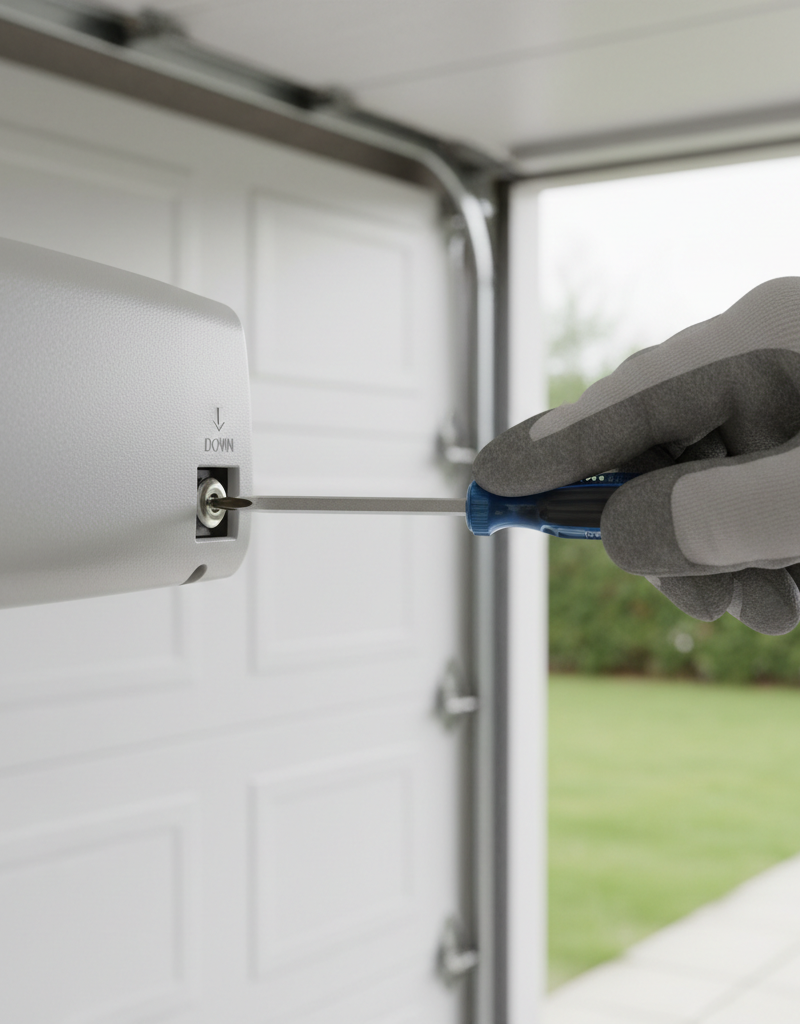
Step 4: Adjust the Travel Limits — If the sensors are clean, aligned, and functioning correctly, but the door still stops short of the floor (leaving a gap), the 'down' travel limit likely needs adjustment. This tells the opener how far the door should travel downwards.
- Locate Controls: On the back or side of your opener motor unit, you'll find adjustment screws or buttons labeled 'UP'/'DOWN' or 'TRAVEL LIMIT'. Some newer models have digital displays and up/down arrows. Refer to your owner's manual for precise locations and instructions, as they vary by brand (e.g., LiftMaster, Chamberlain, Genie).
- Adjust Down Limit: For screw-drive systems, a clockwise turn typically increases the down travel. For digital systems, press the 'down' arrow button. Make very small adjustments—a quarter turn of a screw or one tap of a digital button at a time.
- Test: After each small adjustment, run the door through a full close cycle. Continue adjusting until the door closes snugly against the floor without putting excessive pressure on the floor or immediately reversing.
Step 5: Check Auto-Reverse Force Setting — While less common for a door that simply stops short, if the door hits the floor and then reverses quickly, the down-force sensitivity might be too high. This tells the opener how much resistance it can meet before reversing.
- Locate Controls: These are often marked 'FORCE' or 'SENSITIVITY' and may be separate from travel limits or combined. Again, consult your manual.
- Adjust Force: Make small adjustments. Decreasing the down-force sensitivity (usually by turning a screw counter-clockwise or pressing a 'minus' digital button) will make the door tolerate slightly more resistance before reversing. Be careful not to set it too low, as this could make the door unsafe.
- Test: After adjustment, perform the
Related Articles
Keep troubleshooting with these hand-picked guides from FixlyGuide:
- The 3 Hidden Reasons Your Garage Door Won't Close (And How to Fix Each) — A garage door that won't close completely is a common, frustrating issue often caused by simple sensor obstructions, misalignments, or trav…
- The 3 Hidden Reasons Your Garage Door Stops Mid-Close (And the $0 Fix) — Your garage door stopping mid-close is usually a sign of misaligned safety sensors, a blocked path, or incorrect travel limits, all fixable…
- The 3 Hidden Reasons Your Door Won't Latch (And the Easy Fixes) — A door that won't latch properly is a common household nuisance, often caused by simple issues that are easy to diagnose and repair.
- The 3 Hidden Reasons Your Door Won't Latch (And the Easy DIY Fixes) — Don't live with a door that refuses to latch; discover simple, DIY solutions for common door latch problems and restore security and privac…
- The 4 Hidden Reasons Your Doorbell Dies (And the 20-Minute Fix) — A non-working doorbell is often caused by simple, hidden issues like a tripped transformer or a corroded button, which homeowners can fix i…
- Is Your Gutter Sagging After Every Storm? The Hidden Flaw Most Homeowners Miss — Discover the overlooked reason your gutters sag after every storm and learn the lasting fix that most homeowners miss.
Frequently asked questions
Why does my garage door close halfway and then open again?+
This commonly indicates that the safety photo-eye sensors are misaligned, obstructed, or have dirty lenses. The opener detects a break in the invisible beam and reverses the door as a safety precaution.
How do I know if my garage door sensors are bad?+
You can usually tell if your garage door sensors are bad or misaligned by checking their indicator lights. Green usually means a clear signal, while red or flickering lights often signal an issue. If cleaning and realigning doesn't work, and the lights remain off or problematic, they might be faulty.
Where are the travel limit adjustments on a garage door opener?+
Travel limit adjustments are typically located on the motor unit itself, either on the back or side panel. They usually consist of screws labeled 'UP' and 'DOWN' or digital buttons on a display panel. Consult your garage door opener's owner's manual for the exact location and adjustment procedure for your specific model.
Can cold weather affect my garage door closing?+
Yes, cold weather can affect your garage door. Extreme cold can make moving parts stiff, causing the door to encounter more resistance. This can sometimes trigger the auto-reverse safety feature, making the door appear as though it won't close. Lubricating the tracks and rollers can help.
How high should garage door sensors be off the ground?+
Garage door safety sensors should be mounted approximately 4-6 inches from the garage floor. This height is federally mandated to ensure they detect small children or pets that might be in the door's path.
Discussion
Loading comments…