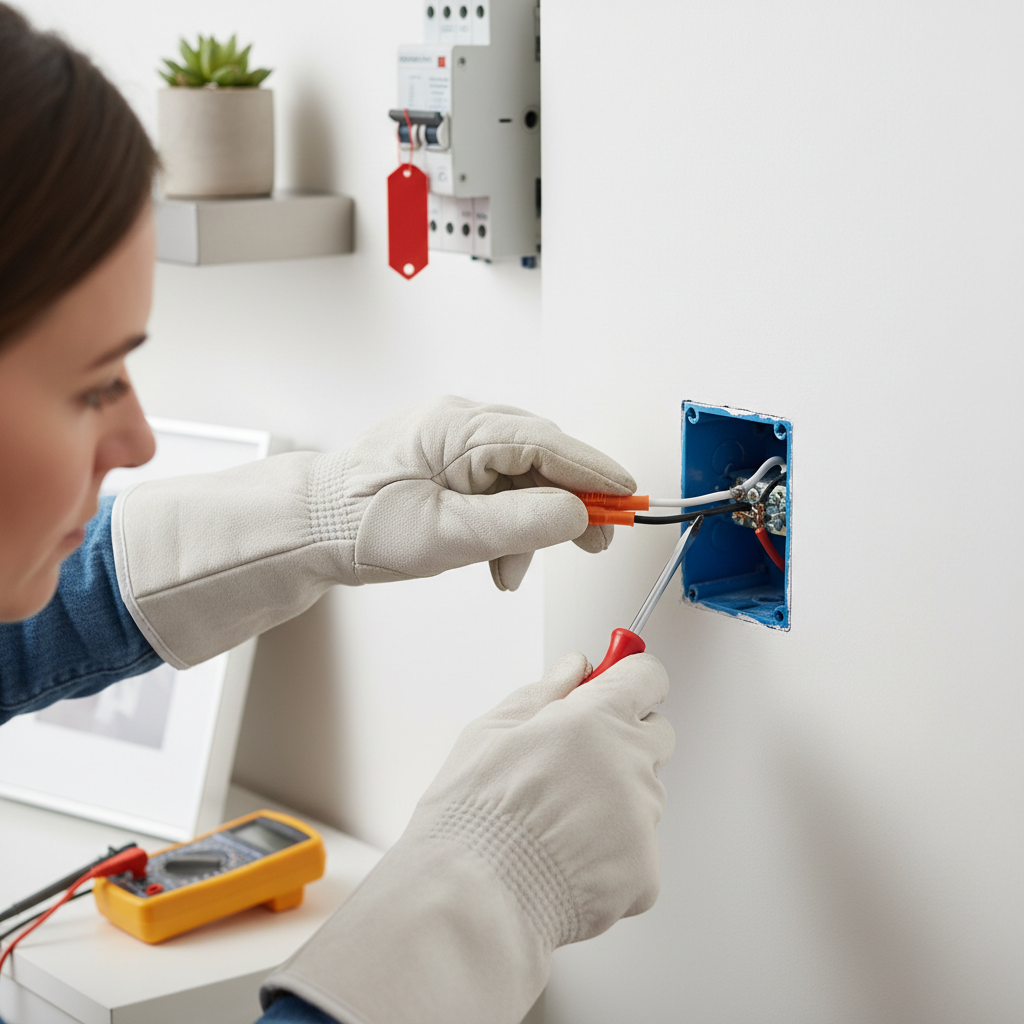
Tools & materials you'll need
Affiliate linksAs an Amazon Associate FixlyGuide earns from qualifying purchases — at no extra cost to you. Prices and availability are accurate as of publication and subject to change.
Quick Answer
Flickering lights in only one room are typically a clear sign of a localized electrical problem. The most common culprits are a loose light bulb, a failing wall switch, or a faulty light fixture. Less frequently, the issue might stem from a loose wire connection inside an electrical box or an overloaded circuit. Identifying the exact cause usually involves systematically checking each component in the lighting circuit for that specific room.
The Problem
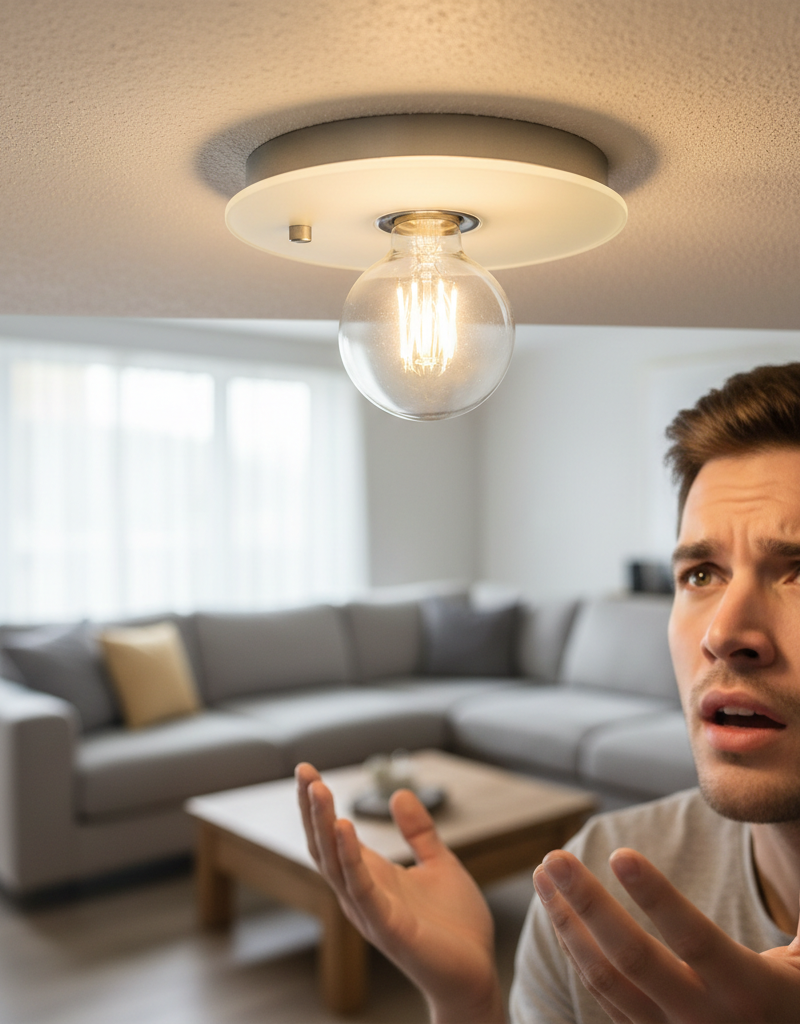
Imagine you're relaxing in your living room, and suddenly, the overhead lights start to flicker intermittently. It's not a power outage, as lights in other rooms are steady, and it's not a surge, as no appliances are affected. This isolated flickering in a single room is frustrating and can even be a sign of a potential electrical issue that needs attention. While often benign, like an old bulb, it could also indicate a loose connection that could lead to more serious problems if left unaddressed.
How It Works
Understanding how a basic lighting circuit works helps in diagnosing flickering lights. Electricity flows from your home's main service panel, through a circuit breaker, and then along a specific wire to the light switch in your room. When you flip the switch, it completes the circuit, allowing electricity to travel through the switch, to the light fixture, and finally through the light bulb, which then illuminates. The power then returns to the service panel via a neutral wire, completing the loop. A consistent flow of electricity is crucial for steady light. Any interruption or resistance in this path – whether at the bulb filament, a loose connection in the switch, a damaged wire in the fixture, or even an insufficient power supply from the circuit – can cause the light to flicker as the electrical current fluctuates. The wiring in your home uses a 'tree' structure, where one main line from the breaker branches out to feed multiple outlets and light fixtures. When only one room is affected, it suggests the issue is somewhere along the specific branch feeding that room's lighting, after it has split from the main circuit feeding other areas.
Step-by-Step Fix
Safety First! Before working with any electrical components, always turn off the power to the affected circuit at your home's circuit breaker panel. Use a non-contact voltage tester to confirm the power is off at the light switch or fixture.
-
Check the Light Bulb – The simplest solution first.
- Turn off the light switch.
- Carefully unscrew the flickering bulb. Inspect the bulb's base for any signs of damage or corrosion. Also, check the socket for debris or bent tabs.
- Screw in a new, known-good bulb of the correct wattage and type. If the flickering stops, the old bulb was the culprit.
- If this doesn't work: Proceed to the next step.
-
Inspect the Light Switch – A common point of failure.
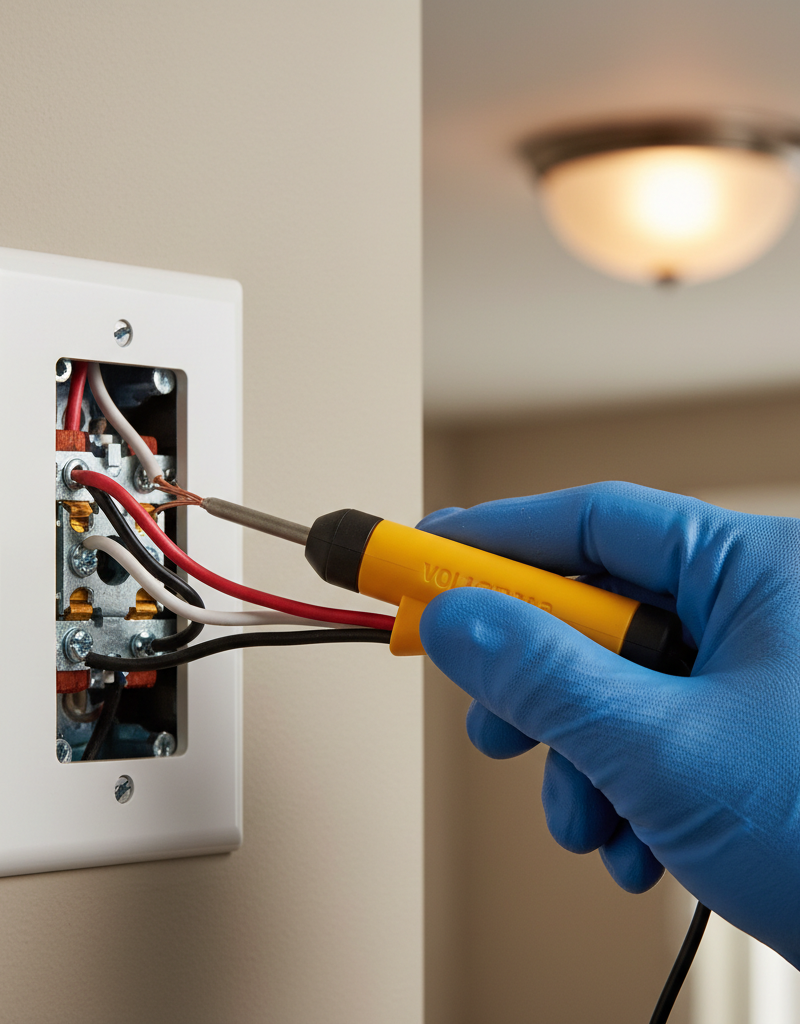
- Turn OFF the breaker for the room. Verify with a non-contact voltage tester.
- Unscrew the wall plate and carefully pull the switch out from the electrical box. Do not disconnect any wires yet.
- Inspect the wires connected to the switch. Look for any loose connections where wires attach to terminals. Gently tug on each wire to ensure it's secure.
- Tighten any loose terminal screws. If a wire is wrapped around a screw, ensure it's fully seated and the screw is tight. If using back-stab connections, consider moving the wire to a screw terminal for a more secure connection.
- Check for any signs of arcing (burn marks) or discoloration on the switch body or wires, which indicates a faulty switch. If found, the switch needs replacing.
- If this doesn't work: If no issues are seen and the switch appears fine, reconnect it carefully and proceed.
-
Examine the Light Fixture Wiring – Loose connections can hide here.
- Turn OFF the breaker for the room. Verify with a non-contact voltage tester at the fixture.
- Depending on the fixture type (ceiling, wall sconce, lamp), you may need a screwdriver or simply access to the canopy/base.
- Carefully lower the fixture to expose its wiring connections. Look for wire nuts joining wires from the fixture to the house wiring.
- Gently twist each wire nut to ensure it's tight. If any feel loose, remove the nut, twist the wires together firmly (clockwise), and re-secure with a new wire nut if the old one is damaged. Ensure no bare wire is exposed outside the nut.
- Check for any signs of burnt wires, frayed insulation, or corrosion. If present, the fixture or its wiring likely needs replacement.
- If this doesn't work: If all connections seem secure and the fixture appears undamaged, proceed to look at the larger circuit picture.
-
Consider Overloaded Circuit – Too many devices on one circuit.
- Unplug or turn off some appliances and other lights on the same circuit as the flickering light. To determine what's on the same circuit, turn the breaker off and see what other outlets or lights lose power.
- If the flickering stops when other devices are removed, the circuit may be overloaded. This means too many electrical items are drawing power from that one circuit, causing voltage drops and flickering.
- Solutions for an overloaded circuit include redistributing loads to different circuits, using lower wattage bulbs, or having an electrician install a new dedicated circuit if necessary.
- If this doesn't work: And you've exhausted all other DIY steps, it's time to consider professional help.
Common Causes
- Loose or Faulty Light Bulb: The most frequent culprit. The bulb's filament or the connection at the base can be intermittently breaking contact.
- Failing Light Switch: The internal contacts of the switch can degrade over time, leading to poor connection and arcing.
- Loose Wiring in the Fixture: Vibrations, age, or improper installation can cause wires connected within the light fixture's canopy or base to loosen.
- Loose Wiring in the Electrical Wall Box: Connections at the light switch or at the outlet feeding a lamps can become loose, interrupting current flow.
- Overloaded Circuit: Too many devices drawing power from a single circuit can cause voltage drops and intermittent power delivery to lights.
- Incompatible Dimmer Switch: Using a standard incandescent dimmer with LED bulbs, or a poor-quality dimmer, can cause flickering.
- Aging or Damaged Fixture: The internal wiring or socket of an older fixture can deteriorate.
Common Mistakes
- Ignoring Safety Precautions: Failing to turn off the power at the breaker before working on switches or fixtures is extremely dangerous. Always verify power is off with a voltage tester.
- Assuming it's a Bulb and Nothing Else: While often true, stopping at the bulb can leave a more serious, underlying wiring issue unaddressed.
- Over-tightening Wire Nuts: While connections need to be secure, over-tightening can damage the wires, leading to a poorer connection or even insulation breakdown.
- Using Incorrect Wire Nut Sizes: Mismatched wire nuts for the gauge and number of wires can result in loose connections.
- Not Checking for All Devices on a Circuit: Incorrectly assuming a circuit is not overloaded without actually testing what else loses power when the breaker is off.
- Replacing a Dimmer with the Wrong Type: Installing a dimmer not rated for LED or CFL bulbs when those types of bulbs are in use will cause flickering or bulb damage.
Cost & Time Breakdown
| Task | DIY Cost ($) | Pro Cost ($) | Time |
|---|---|---|---|
| Replace Light Bulb | $5–$20 | $0* | 1 minute |
| Tighten Switch Wires | $0 | $0* | 5–10 minutes |
| Replace Light Switch | $10–$30 | $100–$250 | 15–30 minutes |
| Tighten Fixture Wires | $0 | $0* | 15–30 minutes |
| Replace Light Fixture | $30–$200 | $150–$400 | 30–90 minutes |
| Diagnose Overloaded Circuit | $0 | $150–$300 | 15–30 minutes |
*Professional electricians typically charge a minimum service fee, so
Related Articles
Keep troubleshooting with these hand-picked guides from FixlyGuide:
- Why Does Only One Room Have Flickering Lights? The Real Culprit Isn't Always the Bulb — Flickering lights in a single room often point to a localized issue, ranging from a loose bulb to a faulty switch or wiring problem.
- Why Does Only One Room Have Flickering Lights? The Real Culprit — Flickering lights in a single room often point to a localized electrical issue, not a whole-home problem, making diagnosis and repair simpl…
- Why Does Only One Room Have Flickering Lights? The Real Culprit — Flickering lights in a single room often point to a localized electrical issue, frequently a loose connection, rather than a whole-house pr…
- Why Does Only One Room Have Flickering Lights? The Real Culprit — Flickering lights in a single room often point to a localized electrical issue, frequently a loose connection in a light fixture or switch.
- Why Does Only One Room Have Flickering Lights? The Real Culprit — Flickering lights in a single room often point to a localized electrical issue, frequently a loose connection, easily diagnosed and repaire…
- The Secret Cause of Your Leaky Chimney (It's Not Always the Obvious Suspect) — A leaking chimney during rain can signify several issues, often stemming from a deteriorated crown rather than just flashing.
Get the print-ready PDF of this guide
A clean, ad-free, printable version you can keep on your phone or pin to the workshop wall. We'll also send occasional weekly tips matched to your home situation.
- Print-optimized layout
- Tools, materials & every step included
- Unsubscribe anytime
Frequently asked questions
Why do my lights flicker in only one room and not the whole house?+
Flickering lights localized to a single room usually indicate an issue specific to that room's electrical components, such as a loose light bulb, a failing light switch, or a faulty internal connection within the light fixture. If it were a whole-house issue, more lights or appliances would be affected.
Can an old light bulb cause flickering?+
Yes, an old or faulty light bulb is one of the most common reasons for flickering. The filament inside the bulb can degrade over time, leading to intermittent connections, or the bulb's base might not be making secure contact with the socket.
Is it dangerous if my lights are flickering in one room?+
While often a minor inconvenience from a loose bulb, flickering lights can occasionally indicate loose wiring or a faulty switch, which could pose a fire hazard if arcing occurs. It's always best to address flickering lights promptly and safely.
When should I call an electrician for flickering lights?+
You should call an electrician if you've checked the bulb, switch, and fixture connections and the flickering persists. Also, if you notice burning smells, hear buzzing from walls, see scorch marks, or if the flickering is accompanied by power outages on the same circuit, it's essential to call a professional immediately.
Can a dimmer switch cause flickering lights?+
Yes, a dimmer switch can often cause flickering lights, especially if it's old, faulty, or incompatible with the type of bulbs being used (e.g., a standard dimmer with LED bulbs). Replacing an incompatible or failing dimmer with the correct type often resolves the issue.
Discussion
Loading comments…