Tools & materials you'll need
Affiliate linksAs an Amazon Associate FixlyGuide earns from qualifying purchases — at no extra cost to you. Prices and availability are accurate as of publication and subject to change.
Quick Answer
A wobbling ceiling fan is most often caused by imbalanced blades, loose mounting hardware, or warped blades. The quickest fix usually involves cleaning the blades, tightening screws, and then using a balancing kit to correct any remaining imbalance. Always ensure the power is off at the circuit breaker before attempting any repairs to prevent electrical shock or injury.
The Problem
That rhythmic shake as your ceiling fan spins can be more than just an annoyance. A severely wobbling fan can loosen from its mounting, potentially causing it to fall, or put undue stress on the motor, leading to premature failure. Beyond the safety concerns, the constant vibration can also lead to noisy operation and even damage to the fan’s internal components. While many homeowners immediately suspect blade imbalance, the true cause can often be traced back to simpler issues like loose screws or even dust accumulation. Pinpointing the exact reason for the wobble is the first step toward a stable, quiet, and safe ceiling fan.
How It Works
Ceiling fans operate on a simple principle: an electric motor rotates a set of blades, pushing air downward to create a cooling effect. The motor is housed in a central assembly, which is then securely attached to an electrical box in the ceiling via a mounting bracket and downrod. For a fan to operate smoothly, every component must be in perfect harmony. The blades, which are typically made of wood, plastic, or metal, are attached to blade irons, which then connect to the motor housing. Each blade must be identical in weight, shape, and angle to distribute air evenly and prevent vibration. The motor, in turn, must be robust enough to spin these blades efficiently without experiencing noticeable torque variations. When any part of this system is compromised—be it a loose screw in the mounting bracket, a warped blade, or even a slight difference in blade weight—the centrifugal force generated by the spinning blades becomes unevenly distributed. This imbalance translates into a rotational force that pulls the fan out of alignment, causing the visible wobble. The faster the fan spins, the more pronounced this wobble becomes, as the forces at play are amplified.
Step-by-Step Fix
Safety First – Always begin by turning off the power to the ceiling fan at your home’s main electrical panel or circuit breaker. Do not rely solely on the wall switch. Confirm the power is off by attempting to turn the fan on.
1. Inspect and Tighten Mounting Hardware – Loose connections are a common culprit.
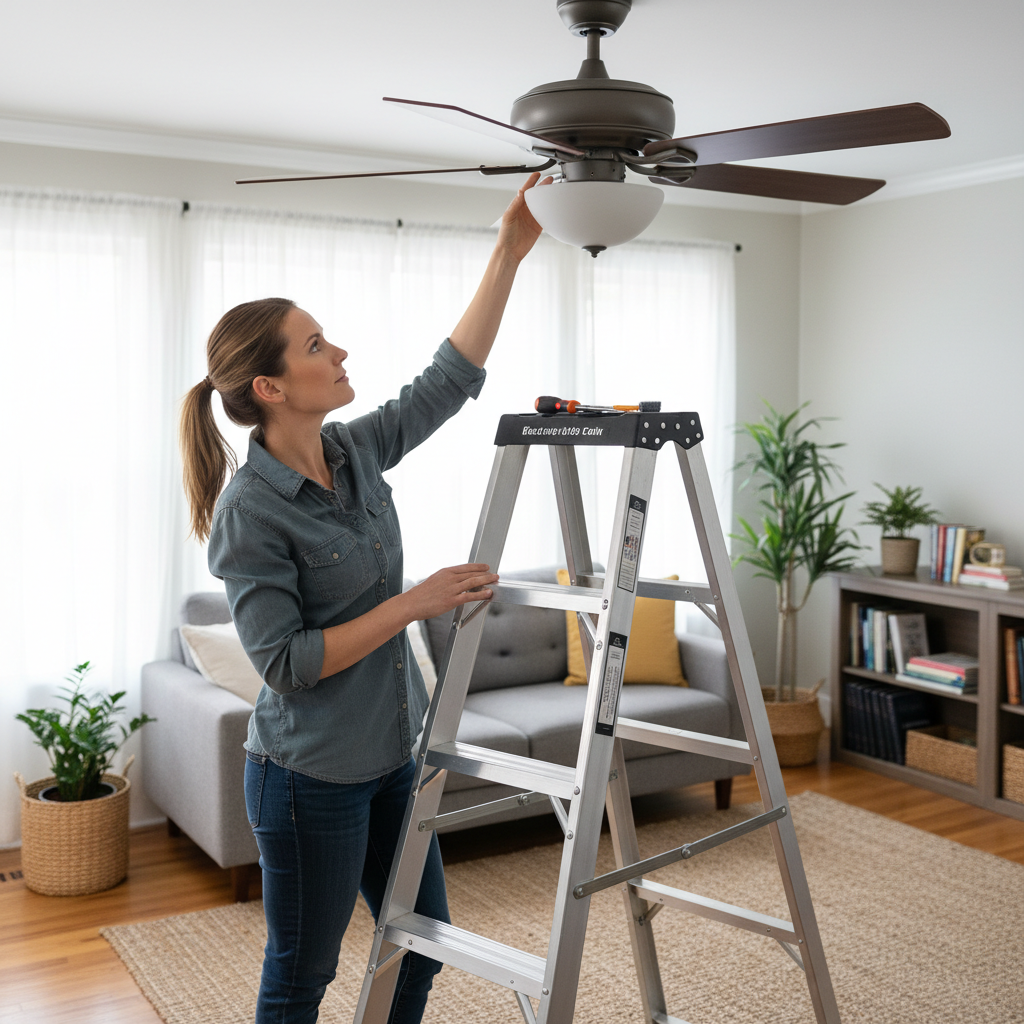
- Climb safely onto a sturdy stepladder, ensuring it's stable on a flat surface.
- Examine the canopy cover, which hides the mounting bracket. Remove any decorative caps or screws holding it in place.
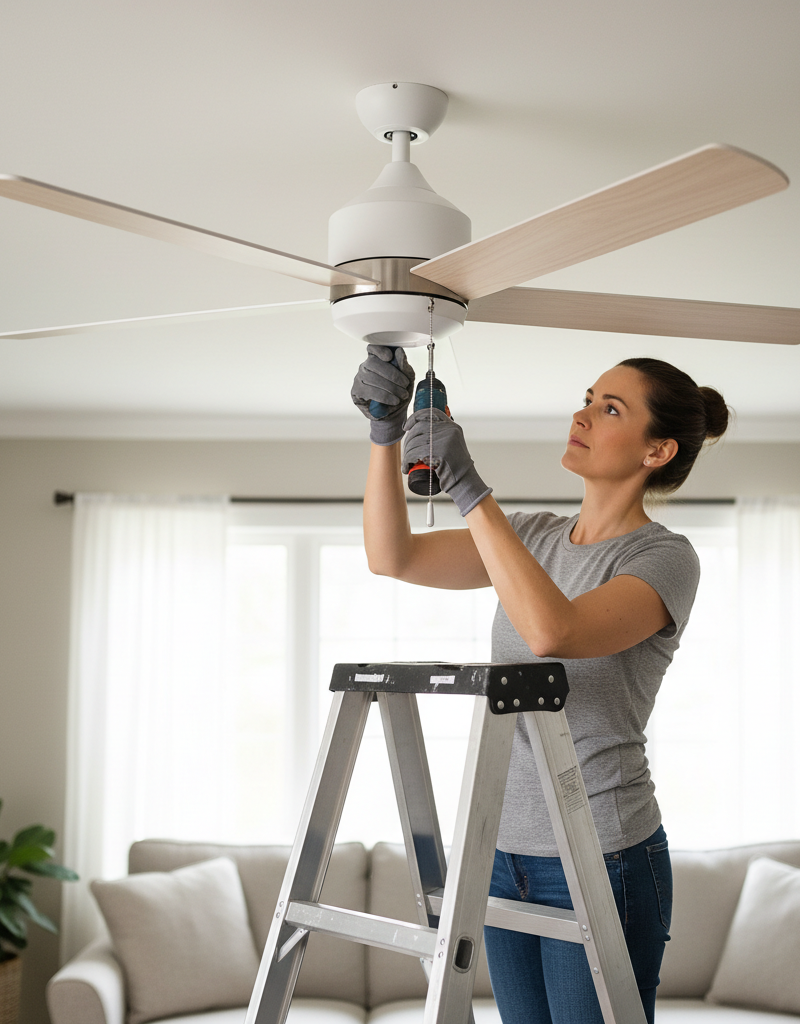
- Using a screwdriver, check and tighten all screws connecting the mounting bracket to the electrical box in the ceiling. Also, check the screws that secure the downrod to both the mounting bracket and the fan motor housing.
- If this doesn't work: The electrical box itself might be loose. If it wiggles significantly, you may need to reinforce it or replace it with a fan-rated electrical box. This might be a job for a professional electrician if you're uncomfortable working with wiring.
2. Check and Secure Blade Irons – Loose blade irons can cause significant wobble.
- With the power still off, inspect where each blade attaches to its blade iron (the metal arm holding the blade).
- Tighten all screws securing the blades to the blade irons. Do not overtighten, as this can strip the screws or crack the blade material.
- Next, tighten the screws securing the blade irons to the motor housing.
3. Clean Blades and Check for Warpage – Dust and warped blades throw off balance.
- Clean both sides of each fan blade thoroughly with a damp cloth to remove any accumulated dust. Uneven dust accumulation, especially on textured blades, can alter the weight distribution.
- Stand on your stepladder and visually inspect each blade for signs of warpage or bending. You can also use a tape measure to check if the tip of each blade is the same distance from the ceiling. Measure from the ceiling to the tip of each blade at a consistent point (e.g., the outermost edge). Rotate the fan slowly by hand to measure each blade. A difference of more than 1/4 inch indicates a warped blade.
- If a blade is significantly warped: It may need to be replaced. Check if the manufacturer offers replacement blades.
4. Use a Ceiling Fan Balancing Kit – Precision for persistent wobbles.
- If the wobble persists after tightening and inspection, a balancing kit is typically included with most new fans or can be purchased separately for $5-$15.
- The kit contains small weights and a balancing clip.
- Attach the plastic clip to the trailing edge of one fan blade, about halfway down its length. Turn the fan on to a medium speed. Observe the wobble.
- Turn the fan off, move the clip to the next blade, and repeat the process. Continue this until you find the blade where the wobble is least pronounced.
- Once you've identified the problematic blade and the approximate location on that blade, slide the clip slowly along the trailing edge, moving it incrementally closer to or further from the motor housing. Test the fan at various points until the wobble is minimized.
- When you find the optimal position, attach one of the self-adhesive weights to the top side of the blade at the point where the clip was. Remove the clip. Test the fan again.
- You may need to use multiple weights or repeat the process on a different blade if a slight wobble remains. Start with one weight, and only add more if necessary.
5. Verify Downrod Connection and Bearing – Less common, but possible.
- This step is more involved. If your fan uses a downrod, ensure it is fully seated and secured by the retaining pin and screws at both the motor housing and the mounting bracket. A loose or incorrectly installed downrod can cause excessive play.
- Sometimes, an internal motor bearing can wear out, leading to a wobble or grinding noise. This usually requires professional repair or fan replacement.
Common Causes
- Loose Mounting Hardware: The screws securing the fan to the electrical box, or the downrod to the mounting bracket/motor, are not tightened sufficiently.
- Unbalanced Blades: Blades may have manufacturing defects, absorb moisture unevenly (for wooden blades), or acquire uneven dust/debris, leading to slight weight differences.
- Warped Blades: Over time, humidity and temperature changes can cause fan blades to warp or bend, altering their aerodynamic properties and throwing off balance.
- Loose Blade Irons: The screws connecting the fan blades to the metal blade irons, or the blade irons to the motor housing, have vibrated loose.
- Improper Installation: The ceiling electrical box may not be rated for fan support, or the fan was not installed plumb and level from the outset.
- Bent Downrod or Motor Shaft: While rare, a bent downrod (if the fan was bumped) or a damaged motor shaft can cause an irrecoverable wobble.
Common Mistakes
- Ignoring the Safety Breaker: Forgetting to turn off the power at the circuit breaker is a serious safety risk. Always kill the power first.
- Overtightening Screws: Stripping screw threads or cracking blade materials by tightening too much can cause more problems than it solves.
- Not Cleaning Blades First: Dust buildup is a surprisingly common cause of imbalance. Cleaning should always be the first step after tightening hardware.
- Impatience with Balancing Kits: Rushing through the balancing kit process can lead to frustration. Meticulously testing each blade and incremental clip adjustments are key.
- Assuming All Wobbles are the Same: Don't jump straight to balancing weights without checking for loose hardware or warped blades; these are often simpler fixes.
- Using a Light-Duty Electrical Box: Installing a heavy ceiling fan on a standard light fixture electrical box can cause significant wobble and is a major safety hazard. Always use a fan-rated box.
Cost & Time Breakdown
| Task | DIY Cost | Pro Cost | Time |
|---|---|---|---|
| Tighten hardware & Clean | $0 | N/A | 15–30 minutes |
| Balance Blades (Kit) | $5–$15 | N/A | 30–60 minutes |
| Replace Warped Blades | $20–$60 (per set) | N/A | 30–60 minutes |
| Replace/Reinforce Junction Box | $10–$30 (box) | $150–$300 (labor) | 1–2 hours (DIY) |
| Full Fan Replacement | $50–$300 (fan) | $150–$400 (labor) | 2–4 hours (DIY) |
Tips & Prevention
- Regular Cleaning: Dust your fan blades regularly, especially the tops, to prevent uneven weight buildup. Consider doing this monthly.
- Hardware Checks: Every 6–12 months, give your fan a quick check. Gently wiggle the fan (with power off!) to feel for any looseness and tighten accessible screws if needed.
- Proper Installation: Ensure your fan is installed on a fan-rated electrical box, which is designed to support the weight and dynamic forces of a ceiling fan. Never mount a fan directly to a standard light fixture box.
- Buy Quality: Cheaper fans often use lower-quality materials that are more prone to warping or vibration issues over time. Investing in a reputable brand can save headaches.
- Consider Blade Material: In high-humidity environments, choose plastic or metal blades over wood, as they are less likely to warp.
- Don't Overload: Avoid hanging additional decorations or pulling excessively on light chains, as this can add stress and contribute to imbalance.
When to Call a Professional
While many ceiling fan wobbles can be resolved with basic DIY steps, there are clear indicators when it
Related Articles
Keep troubleshooting with these hand-picked guides from FixlyGuide:
- The 3 Hidden Reasons Your Gas Burner Won't Light (Beyond a Clogged Pilot) — Before you call a technician, learn the common culprits behind a gas stove burner that refuses to light, from simple clogs to ignition comp…
- Why Your Wall Switch Feels Hot: The Hidden Danger Most Homeowners Miss — A hot light switch isn't just uncomfortable; it's a critical warning sign of potential electrical hazards that demand immediate attention.
- The 3 Hidden Reasons Your Gas Burner Won't Light (Beyond a Clog) — Before you call a technician, discover the most common culprits behind a gas stove burner that refuses to ignite and learn how to fix them…
- The Hidden Reason Your Ceiling Fan Wobbles (And 3 Cheap Fixes) — A wobbling ceiling fan isn’t just annoying; it can be a sign of imbalance or loose connections that are simple to fix with the right approa…
- The 3 Hidden Reasons Your Circuit Breaker Keeps Tripping (And How to Stop It) — Uncover the surprising culprits behind repeatedly tripping circuit breakers and learn practical, actionable steps to diagnose and resolve t…
- That Mildew Smell in Your Washer? Here’s the Real Reason — Is a musty odor taking over your laundry room? That mildew smell from your washing machine isn't just unpleasant—it's a sign of a deeper pr…
Frequently asked questions
Why is my ceiling fan wobbling excessively?+
Excessive wobble is typically caused by severely unbalanced blades, very loose mounting hardware, or a structural issue with the ceiling electrical box not properly supporting the fan's weight.
Can a wobbling ceiling fan fall?+
Yes, an excessively wobbling ceiling fan can potentially fall if the mounting hardware becomes severely loose over time due to constant vibration, or if the fan was not installed in a properly rated electrical box. It is a significant safety concern.
How do I know if my ceiling fan blades are warped?+
You can check for warped blades by measuring the distance from the ceiling to the tip of each blade. Slowly rotate the fan by hand and take measurements at the same point on each blade. A difference of more than 1/4 inch indicates a warped blade.
Do all ceiling fans need a balancing kit?+
Not all ceiling fans *need* a balancing kit, but it's a very common tool used to fine-tune the balance after ensuring all hardware is tight and blades are clean and straight. Many fans come with one included.
When should I call an electrician for a wobbling ceiling fan?+
You should call an electrician if, after tightening all accessible hardware and balancing the blades, the wobble persists, or if you suspect the issue is with the ceiling electrical box itself (e.g., it's loose in the ceiling, or is not a fan-rated box). You should also call an electrician if you encounter any wiring issues or feel uncomfortable working with electrical components.


Discussion
Loading comments…