Tools & materials you'll need
Affiliate linksAs an Amazon Associate FixlyGuide earns from qualifying purchases — at no extra cost to you. Prices and availability are accurate as of publication and subject to change.
Quick Answer
APersistent ceiling fan wobble is not just an irritation; it's a sign of imbalance that can lead to increased wear on the motor, noise, and even potential safety hazards if screws loosen further. Most wobbles can be resolved in under an hour by performing a series of diagnostic checks and applying simple balancing techniques, often without needing to remove the fan from the ceiling.
The Problem
You're relaxing on a warm evening, and instead of a gentle breeze, your ceiling fan is creating a distracting, rhythmic shake. This wobble isn't just an aesthetic issue; it can be a symptom of a deeper problem. Over time, an unbalanced fan can stress the motor bearings, causing premature failure, aggravating light fixture wiring, and possibly even leading to the fan body loosening from the ceiling junction box. It's crucial to address a wobbling fan promptly to prevent more serious damage or the need for a full replacement.
How It Works
Ceiling fans operate by rotating a set of blades, creating airflow in a room. For smooth, quiet operation, the entire rotating assembly – the motor housing, blade holders, and blades themselves – must be perfectly balanced around its central axis. Imagine a car tire: if it's out of balance, the car vibrates. A ceiling fan works on the same principle. Each blade must weigh roughly the same and be mounted at the exact same pitch and distance from the motor's center. The mounting bracket securely fastens the fan assembly to an electrical junction box, which itself must be properly secured to a ceiling joist or a fan-rated brace. Many modern fans use a ball-and-socket hanging system, allowing a small degree of movement. However, if any component in this chain – from the hanger bracket to an individual blade – is out of alignment or experiences a weight discrepancy, the centrifugal force generated during rotation will cause the fan to oscillate, or 'wobble.' This wobble is most noticeable at higher speeds because the forces of imbalance are amplified. Over time, environmental factors like humidity affecting wood blades, loose screws from vibration, or even slight shifts in the house's structure can throw a fan out of balance.
Step-by-Step Fix
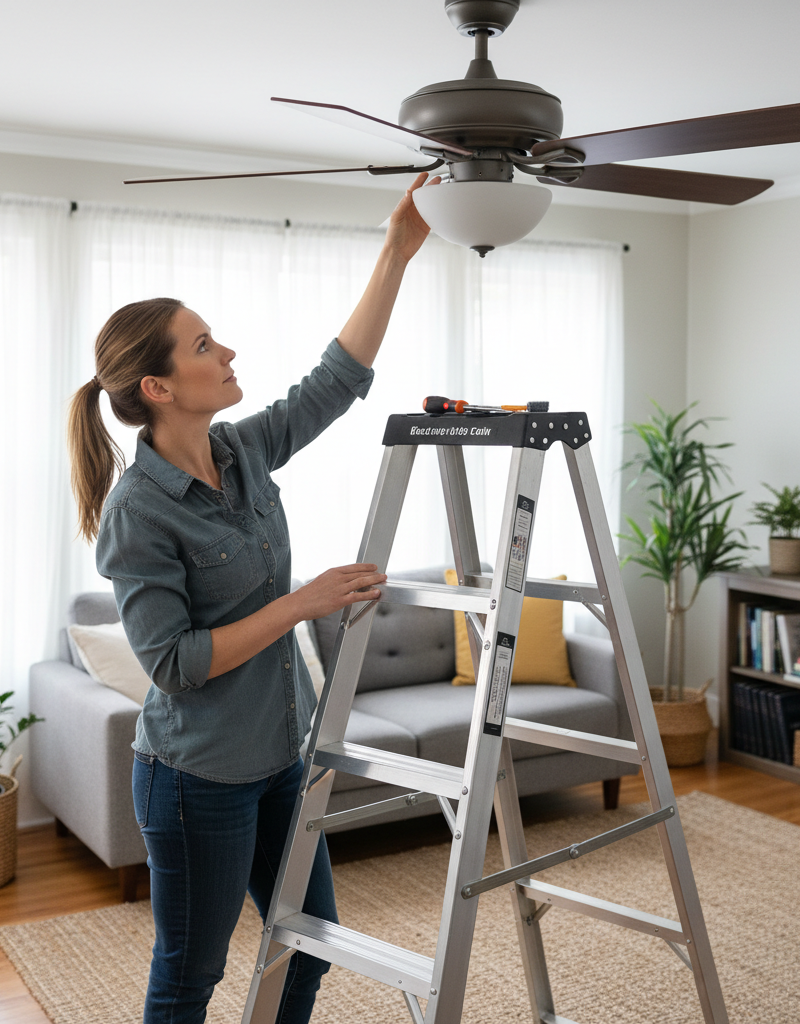
Safety First — Before attempting any fix, always ensure the power to the ceiling fan is turned off at the circuit breaker. Do not rely solely on the pull chain or wall switch, as these may not completely cut power to the fan's internal wiring. Use a non-contact voltage tester to confirm no power is present at the fan's electrical box connections. A sturdy step ladder is essential for safe access.
-
Clean the Blades — Remove dust and debris. Accumulations of dust and dirt on fan blades, especially if unevenly distributed, can be enough to throw a fan off balance. Use a damp cloth to thoroughly clean both sides of all fan blades, paying close attention to the leading and trailing edges. Ensure all blades are equally clean.
-
Inspect for Bent or Damaged Blades — Check each blade for physical integrity. Stand on your ladder and visually inspect each blade for any signs of warping, bending, cracks, or damage. Gently run your hand along the edges to feel for irregularities. If a blade is noticeably bent or damaged, it may need replacement. Compare blades visually; a bent blade will often be apparent when comparing it to an undamaged one.
-
Tighten All Screws — Secure all connection points. Using a screwdriver (usually a Phillips head), methodically tighten every screw on the fan. This includes:
- Screws attaching the blades to the blade irons (the metal arms).
- Screws attaching the blade irons to the motor housing.
- Screws securing the light kit to the fan body.
- Screws holding the downrod to the motor housing.
- Screws connecting the downrod to the canopy.
- Crucially, check the screws holding the mounting bracket to the electrical junction box in the ceiling. These can loosen over time, causing the entire fan to sway. If the junction box itself is loose, or if it's not a fan-rated box, you must call a licensed electrician. Do not attempt to re-secure a loose junction box not rated for a fan by yourself.
-
Check Blade Pitch and Alignment — Ensure blades are flat and even. With the power still off, stand on your ladder at eye level with the fan blades. Use a tape measure or a carpenter's level to measure the distance from the ceiling to the tip of each blade. Rotate the fan gently by hand and measure each blade's tip at the exact same point in its rotation (e.g., when it's closest to a wall). All measurements should be identical. If one blade is significantly higher or lower, its blade iron might be bent. Gently bend the blade iron back into position. Be careful not to over-bend or snap the metal. Some fans have adjustable blade irons, which can simplify this step.
-
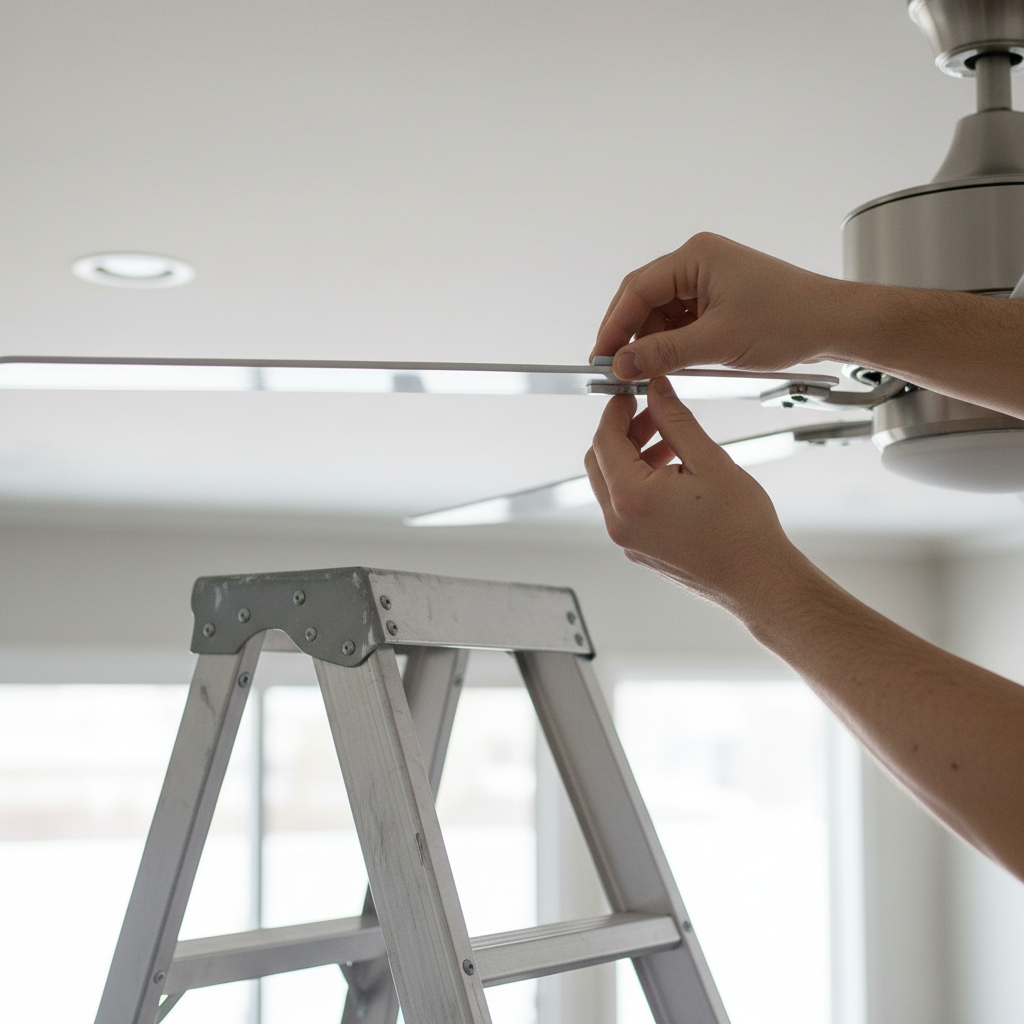
Use a Balancing Kit — Add weights to counteract imbalance. If the wobble persists after the above steps, a fan balancing kit is often the solution. These kits typically include a clip and several small, adhesive weights.
- Turn the fan on to medium speed and observe the wobble.
- Attach the balancing clip to the trailing edge of one blade, about halfway between the motor and the blade tip. If the wobble lessens, try moving the clip along that blade or to a different blade. If the wobble worsens, move the clip to another blade.
- Experiment by moving the clip from blade to blade and along the length of each blade until you find the position that minimizes the wobble. This identifies the blade that needs weighting.
- Once you've found the 'problem' blade and the optimal clip position, remove the clip and attach an adhesive weight from the kit to the top surface of that blade, directly where the clip was placed. Start with one weight. If the wobble is still present, try a second weight or experiment with moving the weight slightly.
- You might need to use multiple weights on one blade, or even redistribute weights across different blades, for optimal balance. Patience is key here.
-
Re-check Mounting Hardware — Verify the fan's secure attachment. If nothing else works, double-check the mounting bracket at the ceiling. Ensure the two screws holding the bracket to the junction box are tight. Also, make sure the downrod is properly seated in the mounting bracket's ball-and-socket mechanism. Sometimes, the ball can shift slightly out of its ideal position, causing a wobble.
Common Causes
- Loose Screws: The most frequent culprit. Screws on the blade irons, connecting blades to the irons, or even the mounting bracket screws can vibrate loose over time.
- Bent Blade Irons: The metal arms holding the blades can get bent from accidental impact (e.g., moving furniture), causing a blade to be out of the correct plane.
- Warped Blades: Wood blades can absorb moisture and warp, especially in humid environments, leading to uneven weight distribution.
- Uneven Dust Buildup: Significant, uneven dust accumulation on one or more blades can alter their weight enough to cause a wobble.
- Improper Installation: If the fan was not securely mounted to a fan-rated electrical box or a ceiling joist from the beginning, it will likely wobble, especially at higher speeds.
- Manufacturing Defects: Less common, but sometimes a fan can have a defect, such as an unbalanced motor or blades that aren't perfectly matched in weight from the factory.
Common Mistakes
- Forgetting to Kill the Power: The most dangerous mistake. Always turn off the circuit breaker before touching any part of the fan, not just the wall switch.
- Ignoring Loose Mounting Bracket: Focusing only on the blades can miss the root cause if the entire fan assembly is loose at the ceiling. A loose junction box is a serious electrical hazard.
- Improper Ladder Use: Using an unstable chair or stool is extremely risky. Always use a stable, appropriate-height step ladder.
- Over-Tightening Screws: While tightening is good, over-tightening can strip screw threads or crack plastic/wood components, making the problem worse.
- Applying Weights Randomly: Guessing where to put balancing weights usually doesn't work. Use the clip to scientifically find the high spot before applying permanent weights.
- Skipping the Cleaning Step: Often, a simple cleaning is enough. Don't jump straight to balancing kits without ensuring the blades are free of debris.
Cost & Time Breakdown
| Task | DIY Cost | Pro Cost | Time |
|---|---|---|---|
| Cleaning & Tightening | $0 | $0 | 15-30 mins |
| Blade Alignment Check | $0 | $0 | 10-20 mins |
| Balancing Kit Application | $5–$15 | $0 (included in service) | 15-45 mins |
| Fan-rated Junction Box Installation | $20–$50 (parts) | $150–$300 (labor + parts) | 1–2 hours (DIY), 1-3 hours (pro) |
| Damaged Blade Replacement | $20–$60 (per blade, if available) | $0 | 10-20 mins |
Tips & Prevention
- Regular Cleaning: Dust your fan blades regularly, at least once a month, to prevent uneven dust buildup. This is especially important for fans in kitchens or workshops where grease and debris can accumulate.
- Periodic Screw Checks: Every six months, give your fan a quick check. Ensure all blade screws and mounting hardware screws are snug. Don't overtighten, but confirm they're secure.
- Proper Installation from the Start: If installing a new fan, always use a fan-rated electrical junction box. These are designed to support the dynamic weight and vibration of a ceiling fan and are typically secured directly to a ceiling joist or a brace between joists. Standard lighting junction boxes are not sufficient.
- Avoid Bumping Blades: Be mindful when moving furniture or objects near the fan that could strike and bend a blade.
- Consider Blade Material: In high-humidity environments, consider synthetic or metal blades over wood to prevent warping.
When to Call a Professional
While many ceiling fan wobbles are DIY-friendly fixes, there are specific situations where a licensed electrician is necessary for safety and expertise. If your fan continues to wobble significantly after you've performed all the troubleshooting steps, particularly if you suspect the issue is with the mounting bracket or the electrical junction box itself, it's time to call a pro. If the junction box in your ceiling is loose, damaged, or not rated to support a ceiling fan (i.e., it's a standard light fixture box), you should not attempt to fix this yourself. This is a significant safety hazard, as an improperly secured fan can fall, causing injury or property damage. Additionally, if the wobble is accompanied by grinding noises from the motor, a burning smell, or flickering lights (that are not part of the fan's light kit), these are signs of an electrical or mechanical failure that requires professional diagnosis and repair. An electrician can safely assess and upgrade your junction box, replace worn motor components, or correctly install a new fan where the existing setup is inadequate.
Related Articles
Keep troubleshooting with these hand-picked guides from FixlyGuide:
- The Surprising Culprit Behind Your Wobbling Ceiling Fan (It's Not Always Loose Screws) — A wobbling ceiling fan is annoying and potentially dangerous. Learn how to diagnose and fix the most common causes, from imbalanced blades…
- The Secret Cause of Ceiling Fan Wobble (It's Not Always What You Think) — A wobbling ceiling fan isn't just annoying; it can be a sign of a deeper issue. Learn the common culprits and how to restore balance safely.
- The 3 Hidden Reasons Your Ceiling Fan Wobbles (And the Easy Fixes) — A wobbling ceiling fan isn't just annoying; it can be a sign of underlying issues that are simple to fix with the right approach.
- The Secret Reason Half Your Wall Outlet Dies (And It's Not What You Think) — Discover why only half of your electrical outlet might be working and how to diagnose and fix the common culprit, saving you from a costly…
- The 3 Hidden Reasons Your Circuit Breaker Keeps Tripping (And How to Stop It) — Uncover the surprising culprits behind repeatedly tripping circuit breakers and learn practical, actionable steps to diagnose and resolve t…
- Your Refrigerator's Loud Hum? The Fix Most People Miss — A constant, loud refrigerator hum is more than annoying—it's a warning sign. Before you call a pro, discover the #1 most overlooked cause a…
Get the print-ready PDF of this guide
A clean, ad-free, printable version you can keep on your phone or pin to the workshop wall. We'll also send occasional weekly tips matched to your home situation.
- Print-optimized layout
- Tools, materials & every step included
- Unsubscribe anytime
Frequently asked questions
Why is my ceiling fan wobbling?+
Ceiling fan wobble is typically caused by imbalances. Common culprits include loose screws on the blades or mounting bracket, warped or bent blades, uneven dust buildup, or improper installation right from the start.
Can a wobbling ceiling fan fall?+
While rare, a severely wobbling fan that is improperly installed or has a loose junction box can potentially fall. It's crucial to address wobbles and ensure the fan's mounting is secure to prevent this safety hazard.
How do I use a ceiling fan balancing kit?+
A balancing kit helps you add small weights to compensate for imbalance. You typically use a clip to temporarily find the 'heavy' spot on a blade where adding a weight minimizes wobble, then adhere a permanent weight in that location.
Can dust cause a ceiling fan to wobble?+
Yes, absolutely! Uneven accumulation of dust and debris on fan blades, especially on one side or a specific blade, can alter its weight distribution enough to cause noticeable wobble.
When should I call an electrician for a wobbling fan?+
Call an electrician if the wobble persists after all troubleshooting, if the ceiling junction box itself is loose or not fan-rated, or if you notice grinding noises, burning smells, or flickering lights along with the wobble. These indicate more serious electrical or mechanical issues.


Discussion
Loading comments…